 All Case Studies









Integrations running in our own stack today
Our Strapi CMS, CRM and social channels are wired together with AI and server-side events. We connect yours with the same patterns and the same checks.
Content gate on every save
Banned-word check Each time anyone saves content in our CMS, a check compares it with a banned-word list and suggests a swap for every flagged word before it can go live. AI drafts face exactly the same gate as human drafts.
ChatGPT writes into our CMS
MCP server on Strapi Since October 2026, ChatGPT can write pages, blog posts and social posts into our Strapi CMS, then publish or schedule them, through a Model Context Protocol server we built. Nothing it writes skips the content check.
One publish, five channels
Live since September 2026 When we publish a blog or case study, our CMS sends it on to LinkedIn, Facebook, Instagram, Telegram and Google Business Profile by itself. Each platform gets an image cut to its own shape, so nobody resizes by hand.
CRM events to ad platforms
Meta, Google, ChatGPT ads Won deals and leads in our CRM flow back as server-side conversion events to Meta, Google and OpenAI's ChatGPT ads, the last added in November 2026. Each ad platform then sees which leads became paying clients, not only who filled a form.
Engineers across your stack
Python, Laravel, Node.js We write integrations in Python, Laravel and Node.js, and work with PostgreSQL, Next.js, React and Strapi CMS. That lets us work inside the code your store, CRM or website already runs on, instead of beside it.
Reviews and partner listings
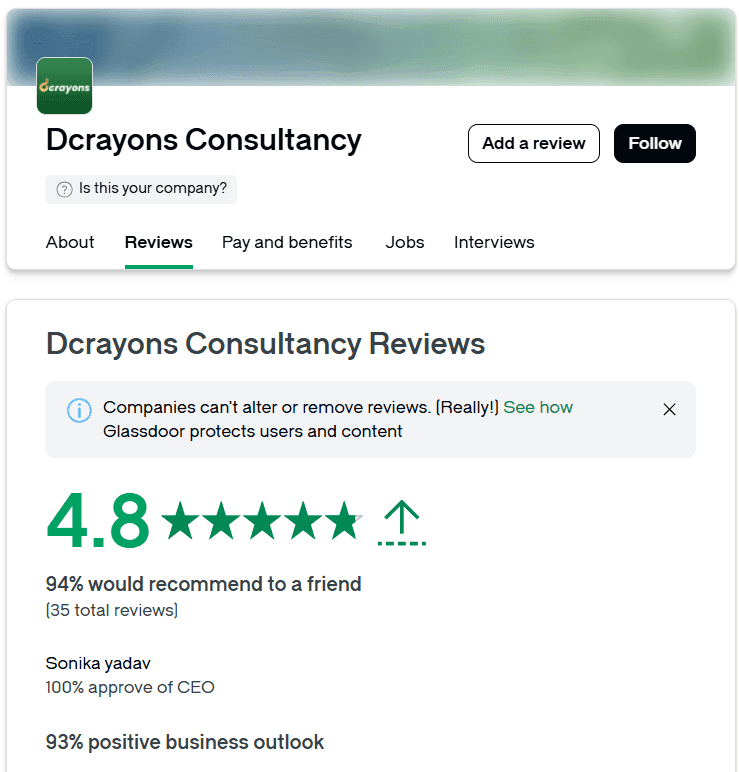
Google, GoodFirms, Clutch Our team has completed 500+ projects and campaigns since 2016. Google lists 127 reviews of Dcrayon with a 4.8 average, hold Shopify Partner and Amazon Ads Verified Partner listings, and collect client reviews on GoodFirms and Clutch.
HOW WE WORK
Meet the way Dcrayon runs every client engagement

A short film on our working model: a free review, a written plan, a weekly call with your senior owner and a short monthly recap with no jargon.
What is Generative AI Integration?
Generative AI integration is connecting a model API such as OpenAI, Claude or Gemini to software you already use, so it can draft text, answer from your documents or fill in data inside your normal workflow.
Step 1: Model behind your server
Definition Your CMS, CRM, store or help desk sends the model a request with the right context, gets back text or structured data, checks it, and saves it where your team already works. Nobody has to copy and paste from a chat window.
Step 2: Plugs in, does not replace
Differentiation Integration keeps your current software and adds AI to steps inside it. It is not a new chatbot and not a new app. If you need a model built into a brand-new product feature, our AI Development page covers that work.
Step 3: Measured per workflow
Measurement We track time saved per task, the share of AI drafts accepted with light edits, how often the content gate catches a problem, provider errors and fallbacks, and cost per request against the monthly budget.
Integration work we set up and maintain
Each connection logged, checked and costed from the first request.
We pick the step where your team spends the most time copying, rewriting or searching, then connect a model to it with checks on the way in and on the way out.

Drafting behind a content gate
Product copy, blog drafts or reply drafts written by a model inside your CMS or help desk, then checked against your banned words and style rules before a person publishes.

Answers from your documents
Retrieval: we index your manuals, policies or product sheets, fetch the passages that match each question and pass only those to the model, so answers quote your facts and name the source.

Structured output into forms
The model returns JSON that must match a fixed schema, which we validate before it fills a CRM field, a product form or a database row.
Wrong shapes are rejected, never saved.

Provider fallbacks and rate limits
Requests queue and retry within each provider's rate limits.
If OpenAI is slow or down, a request can fall back to Claude or Gemini, with the switch recorded in the log.
Cost tracking per feature
Every request is tagged by feature and by user, so you see what drafting, search and data entry each cost this month, with alerts before a budget line is reached.
Server-side event links
Integrations that send data out as well as in, such as the link that posts our CRM's won deals and leads as conversion events to Meta, Google and OpenAI's ChatGPT ads.
Review, plan, then connect with care
Integration starts with a free review of the tools you run. A 90-day written plan follows, and Dcrayon AI tools help build it, with a person signing off each release.
Growth Intelligence (Generative AI Integration review)
The free 150-point review lists your CMS, CRM, store and help desk, their APIs and data rules, and the steps where a model would save your staff the most time.
Dcrayon Growth Engine (Generative AI Integration plan)
A written 90-day plan for one integration tied to one number you choose, such as drafts accepted per week, naming the provider, the fallback and a monthly cost cap.
Dcrayon AI (Generative AI Integration toolkit)
Our in-house content gate, prompt library, request logs and cost reports, used on our own CMS first. A senior engineer checks each connection before it goes live.
How Dcrayon connects AI to your software
Four stages, from reading your current system to watching costs after launch.
Step 1: Audit
We read how your CMS, CRM or store works today: its API, user roles, data rules and the exact screens where staff copy, rewrite or search. Nothing in your system is changed during this step.
Step 2: Connect
We add a small server-side service that holds the API keys, builds each request with the right context, and talks to OpenAI, Claude or Gemini on behalf of your software.
Step 3: Check
Outputs pass a schema check and your content gate before they are saved or shown. Failures go to a person with the reason attached, and the original data stays untouched.
Step 4: Track
Each week we review usage, accepted drafts, fallbacks and cost per request against the cap, then report the numbers on the call and in the monthly recap.
Get my free AI integration review
List the tools your team uses daily. We show where a model fits, what it would cost and which checks it needs.
+187%
Median sales lift, first year

Other Artificial Intelligence services
Want a new AI feature in your product, a customer chat assistant, an agent that acts on its own, or a company-wide AI plan? Find the right service below.
Figures from the client projects we run
Integrations support bigger engagements. These numbers come from that complete client work.

What clients say about our engineering team
Taken from our public reviews on Google, GoodFirms and Clutch.

“On time delivery, supportive team. [Dcrayon's] on-time delivery was commendable.”
“The process was smooth and professional. The project achieved strong measurable results, including a 35% increase in website traffic after launching the Shopify website.”
“They ensure all campaigns go live as scheduled without delays. Since [Dcrayon] took over our digital marketing, we consistently achieved our sales targets, especially during festive sales.”
“Dcrayon made everything right. We commissioned a website design + development build from scratch. it shipped on schedule with responsive adjustments through the review cycles and met the Google feature compatibility we needed.”
“Their attention to detail and compliance-focused approach helps build a stronger and more sustainable business. Initially they ask for documentation many sellers find difficult to provide. that is exactly what sets them apart. They now also offer USA seller account management. Loved the service. Bestseller in 3 category.”
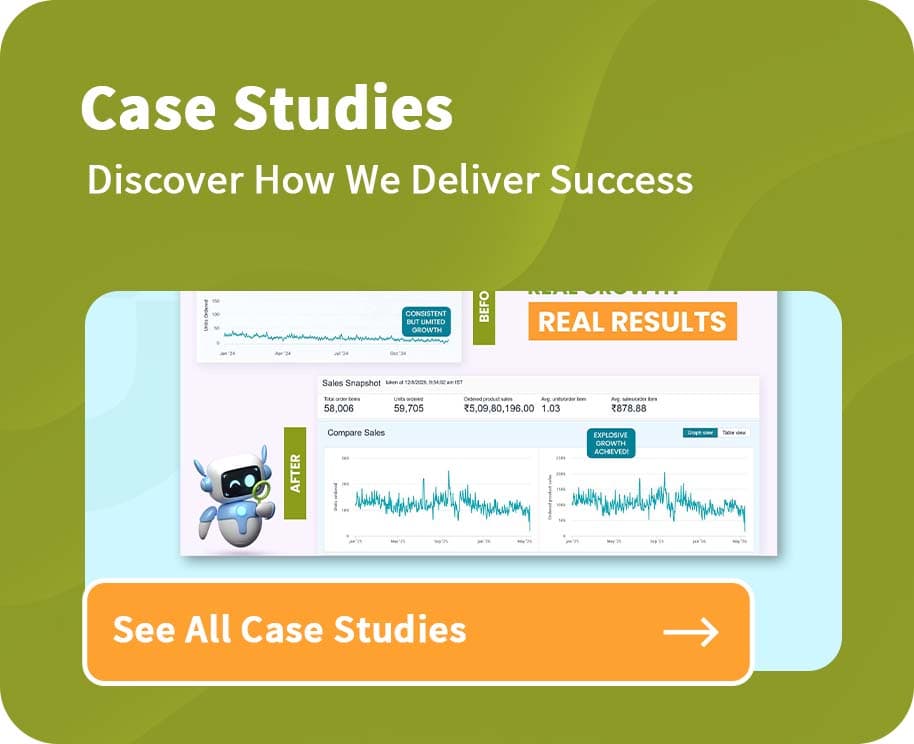
“Dcrayon took our Amazon account from steady but flat to explosive growth: 180 percent more revenue, from Rs 1.82 crore to Rs 5.10 crore.”
Keratine Professional
Salon-grade Hair Care on Amazon
WHY DCRAYON
Integrations from a team that uses them daily
Same checks on our CMS as on yours
Read about the Dcrayon AI tools behind our content gate and CMS connector, see how the 90-day Growth Engine plan works, or start with the free 150-point review of your own stack.
Page owner: Rahul Yadav, founder of Dcrayon. Last updated 10 November 2026.
Gate before publish
No AI text reaches your site without passing a banned-word and style check, and the editor sees a suggested swap for each flagged word.
Grounded in your facts
Answers draw on your own documents through retrieval. When nothing relevant is found, the reply says so instead of guessing.
Two providers, not one
We set a fallback provider for every integration, so an outage or a rate limit at one AI company does not stop your team's work.
AI spend you can see
Usage is tracked per feature and per user, with a monthly cap you approve. You see AI spend each week, long before the invoice arrives.
Your keys, your accounts
API keys sit on your server, not in a browser or an app. Provider settings follow your data rules, and only the fields a task needs are sent.
Free to leave
One senior person stays on your account through the first 90-day cycle and after it. From then on the work is monthly, and you may end it under any agreement.



Get a free review of your tools and a 90-day AI integration plan
We list your software, find the steps where staff copy or rewrite the most, and write a plan for one integration tied to one number. Dcrayon has worked with 485+ clients.
A map of your CMS, CRM, store and help desk APIs
The steps where a model would save the most staff time
Provider choice, a fallback plan and a monthly cost cap
A written 90-day plan aimed at one number you name

Question & Answer
Frequently asked questions
Answers on adding generative AI to your current tools: cost, data, timing, contracts and providers.
Generative AI integration connects a model such as OpenAI, Claude or Gemini to software you already run, like a CMS, CRM, store or help desk. It suits teams that spend hours drafting, rewriting or looking things up. We run it on our own Strapi CMS, where ChatGPT drafts and schedules content behind a content check.
Pricing is a fixed quote that follows the free review and comes before any work starts. Provider usage is a separate running cost, billed per request by OpenAI, Anthropic or Google. We tag every request by feature, show the monthly total and set a cap, so you approve the spend in advance.
That depends on how clean your data is and how open your software's API is, so we give no fixed date before the review. Simple drafting inside a CMS tends to show value sooner than answers drawn from many documents. The 90-day plan names the milestones, and the weekly call shows progress against them.
We need API or admin access, ideally to a test copy of the system, plus sample content or records, your style and banned-word rules, and your data rules. A named editor approves outputs during testing. We never need your customers' passwords, and the API keys stay on your server.
We run the same kind of integrations in our own business: a content gate on every CMS save, a ChatGPT connector to our CMS, social publishing to five channels, and CRM conversion events sent to Meta, Google and ChatGPT ads. You get patterns already tested on our own work, with a senior person accountable.
The first stage is one 90-day cycle, set out in a written plan around one number you pick. After that it runs month to month, and each agreement includes your right to leave. A senior person owns the account, joins a weekly call and sends a plain monthly recap of usage, cost and results.
We ground answers with retrieval. Your documents are split into passages and indexed as embeddings, and for each question we fetch the closest passages and tell the model to answer only from them and cite the source. If no passage matches, the reply says it does not know. No method removes every error, so risky answers still go to a person.
Tell us which tools your team uses
Name your CMS, CRM, store or help desk and the task that takes longest. We reply with first questions.
Add AI to the tools your team already opens
Start with the one task your team rewrites, copies or searches most often. We connect a model to it and check your rules on every output.
If the integration does not save time in testing, we tell you before you spend more, and you keep the written review.