 All Case Studies





eCommerce App Development: Features, Payments and Launch
October 26, 2026 | 7 min read

Founder and CEO at Dcrayon
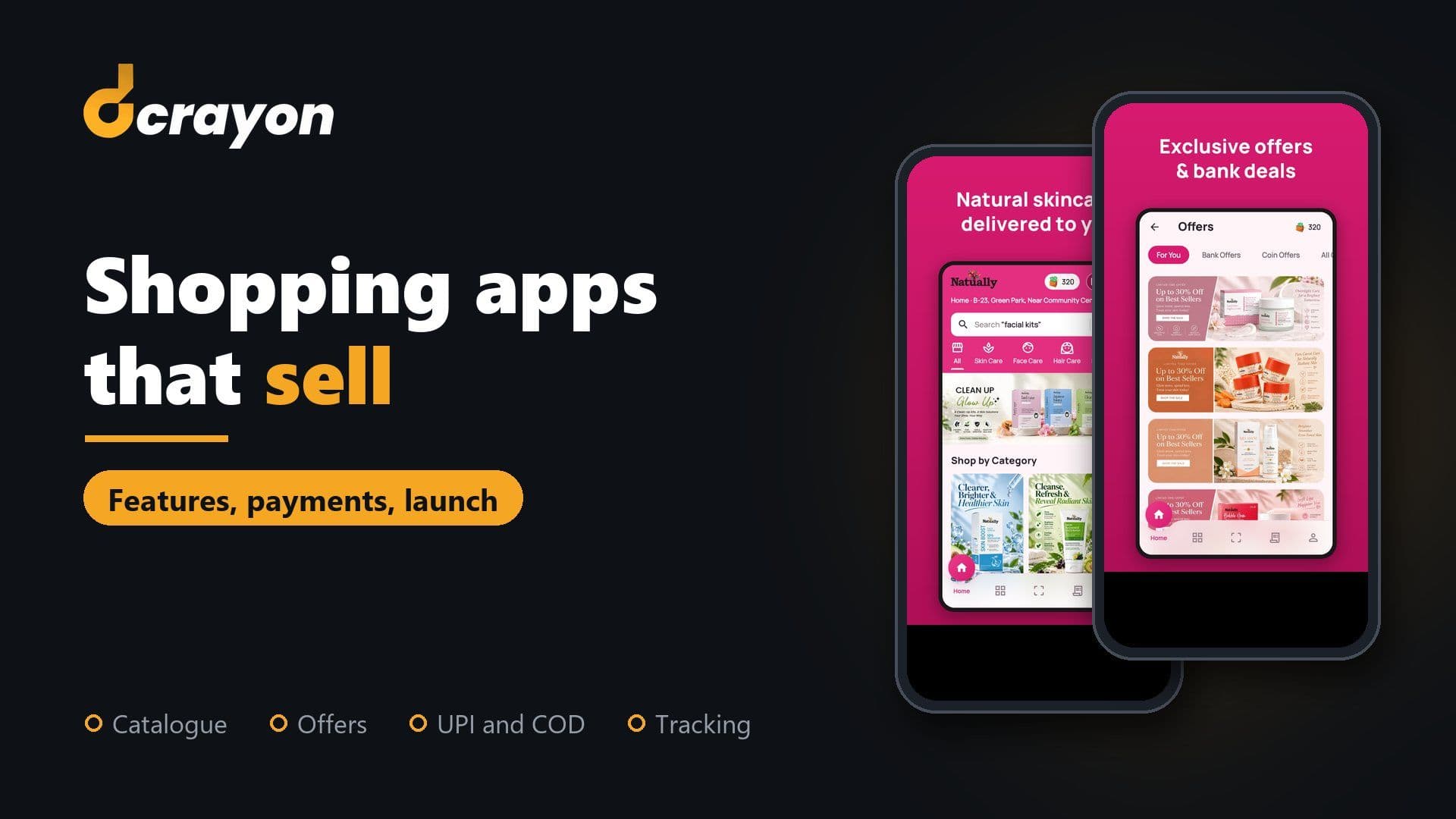
The features that matter in a shopping app are a clear catalogue, quick search, a wishlist, offers, a wallet or loyalty scheme, checkout with UPI, cards and Cash on Delivery, order tracking and push notifications. All of them should come from the same store platform as your website, so products, prices and orders always match.
Our main example is the Natually app, a Flutter shopping app on Google Play that runs from the same store platform as the brand's website. Read about our process on the mobile app development page. The second example, Jikra, comes from its client's GoodFirms review.
Which features does a shopping app need at launch?
Launch with the features that take a shopper from browsing to a delivered parcel, then add the ones that bring them back. The Natually listing shows both groups in one release.
- Find: category browsing and search.
- Decide: product pages, a wishlist and offers.
- Pay: checkout with the methods your buyers use.
- Receive: saved addresses and order tracking.
- Return: push notifications, wallet coins and referrals.
How should the catalogue and search work?
Group products the way shoppers describe their needs, then give them more than one way to search. A phone keyboard is the slowest way in.
The app sorts the range into ten shelves, such as Lip Care, Hair Removal and Body Care. It offers voice search and photo search, so a shopper can say a product name or snap the product itself. For shoppers who know their concern but not the product, the AI skin analysis reads a photo and suggests products for what it finds. Planning a feature like that is the subject of adding AI features to a mobile app, while navigation and layout sit in what makes a mobile app user-friendly.
Do a wishlist and offers belong in the first release?
Yes. A wishlist is quick to build and shows you what shoppers want, and offers work best where the decision happens, at checkout.
On Natually, the wishlist saves products for later, and app offers, bank offers and coupon codes appear at checkout. Our advice to any brand is one offer engine for the app and the website, so a coupon that works on one works on the other. Show the saving before the payment screen, not after it.
Should a shopping app have a wallet and loyalty coins?
A wallet suits brands with repeat buyers, because coins earned on one order give a reason to place the next.
The Natually Wallet lets shoppers earn coins on orders and spend them on the next purchase, and a referral earns coins too. In India, read the rules before you design a wallet. The RBI's Master Directions on Prepaid Payment Instruments describe closed system PPIs: balances spent only on the issuer's own goods and services, with no cash withdrawal, which the RBI does not treat as a payment system needing its approval. A wallet that works beyond your own store needs RBI authorisation, so decide early that your coins stay inside it.
Which payment methods should an Indian shopping app support?
Offer UPI, cards, net banking and Cash on Delivery together. Natually's checkout takes all four, so each shopper can pay the way they already do.
Selling physical goods also settles which billing you use. Google Play's Payments policy says its billing system must not be used for physical goods, and Apple's App Review Guidelines (section 3.1.3(e)) require a method other than in-app purchase for goods used outside the app. A shopping app therefore pays through a payment gateway connected to your store platform. A few habits help:
- Let the gateway's own screens collect card details, and confirm each payment on the server rather than trusting the app's word for it.
- Open the shopper's UPI app straight from checkout instead of asking them to type a UPI ID.
- Confirm Cash on Delivery orders with a message before dispatch.
- When a payment fails, say which step failed and offer a one-tap retry.
Our longer piece on UPI integration covers payment provider choice and pre-authorisation.
How do order tracking and push notifications bring shoppers back?
Tracking answers "where is my order?" before the shopper asks, and push notifications put that answer on the lock screen. Push depends on asking for permission at the right moment.
In the Natually app, shoppers see every stage of an order until delivery, and the beauty assistant can tell a shopper where their last order is. On Android 13 and later, apps need the POST_NOTIFICATIONS runtime permission, and Android's documentation says a newly installed app's notifications stay off until the user grants it. So ask after a moment that shows the value, such as a first order. Then:
- Keep order updates apart from promotions, and let shoppers mute promotions alone.
- Cap the number of promotional messages a shopper gets each week.
Why should the app and the website share one store platform?
One platform means one catalogue, one price list, one stock count and one order history. A second back office doubles every edit.
Natually's app reads products and categories from the same Laravel platform as the brand's website, through a versioned mobile API that also handles sign-in, cart, wishlist, checkout and notifications. That platform came from the brand's move from Shopify to Laravel, after a period on a customised Shopify storefront. Serving a website and an app from one API is the work of our API development team; the app itself sits under Flutter development, and DevOps services keep platform and app releases in step.
Jikra shows the client's side of one team owning both. Its review on our GoodFirms profile reads: "We hired Dcrayon to build the website and Flutter app for Jikra, our e-commerce brand, and they've now taken on managing our Amazon store and social media as well. Over eight months, they delivered strong work across every area." If you expect order volumes to climb, read how to build a scalable business app.
What changes for fintech and health apps?
Fintech and health apps add regulation, deeper security testing and audits. We have no fintech or health app case study, so read this as a buyer's checklist.
- Regulation. In India, payments, wallets and lending fall under RBI rules. Health data falls under HIPAA, the DPDP Act or GDPR, depending on your users.
- Who publishes. Apple's guidelines expect apps in banking, financial services and healthcare to come from the legal entity providing the service.
- Security testing. Expect a test against the OWASP MASVS, including tamper and reverse-engineering checks, before launch and after major releases.
- Card data. If your systems store, process or transmit card numbers, PCI DSS applies. Letting the payment gateway handle card entry narrows what you must cover.
- Audits. Plan for external security audits, and keep logs that show who accessed what.
Our healthcare app checklist goes deeper on consent, data storage and testing.
How do you judge a vendor's eCommerce app portfolio?
Install the apps a vendor names, check the name on each store listing, and read reviews from clients in your industry. A firm claiming healthcare, fintech and eCommerce work should show proof in each.
- Check the developer name on the listing. Natually's listing names our US company, because we publish the app for the client.
- Use the features yourself: search, add to cart, apply a coupon and reach the payment screen.
- Read reviews that mention apps, not only websites or ads.
- Ask what the client gave the vendor after launch. Jikra, for example, added its Amazon store and social media.
Our guides on where to check reviews of app and software companies and how to write a mobile app brief cover the next steps.
Check our reviews
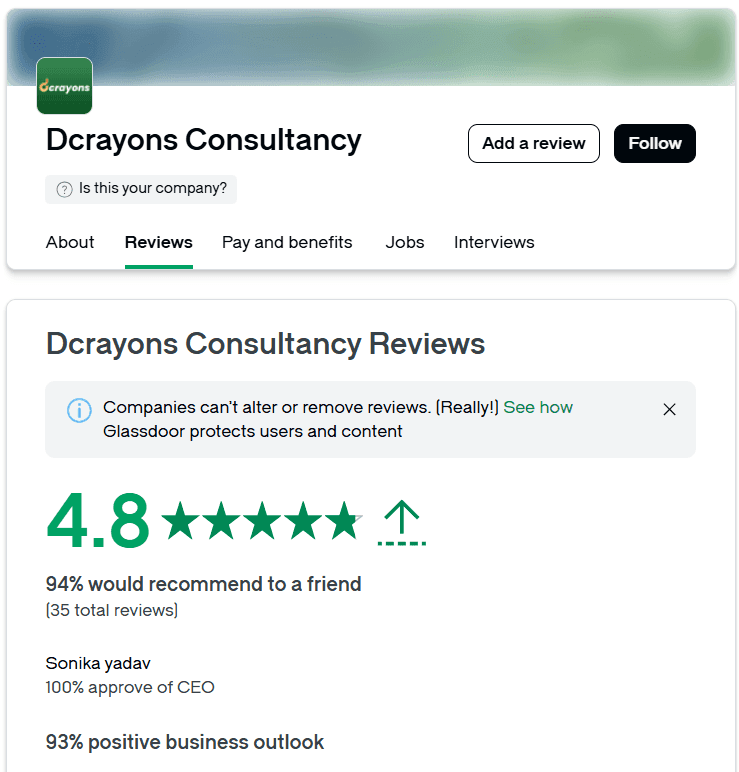
As of October 2026, Dcrayon holds 4.9 from 12 reviews on GoodFirms, where we pay for a PRO listing, and 4.9 from 7 reviews on Clutch. The Jikra and Sygnioin reviews on GoodFirms describe website and Flutter app work. Natually's founder also reviewed us there; his review covers the stores, social media and ads, not the app.
Questions buyers ask
Does a brand need an app if its mobile website already sells well?
An app adds the most for brands with repeat buyers, since it keeps wallet coins, saved addresses and order alerts in one place. Many brands get the website right first.
Can a shopping app run on an existing Shopify or WooCommerce store?
Often, yes. Both platforms offer APIs an app can read, though checkout, discounts and app-only features can need extra work. Ask your vendor to list which store features the app will and will not support.
Is Flutter a good choice for a shopping app?
It suits shopping apps with a custom brand look, and it is what we used for the Natually, Jikra and Sygnioin apps. Our Flutter vs React Native comparison explains when React Native fits better.
What does an eCommerce app cost with Dcrayon?
For reference, the prices on our GoodFirms profile start at $5,000 for an Android Flutter app MVP, with work billed at $25 to $49 an hour. The final price depends on features and integrations; what sets app cost in India breaks those factors down.
Related Articles
More insights from the Dcrayon desk.
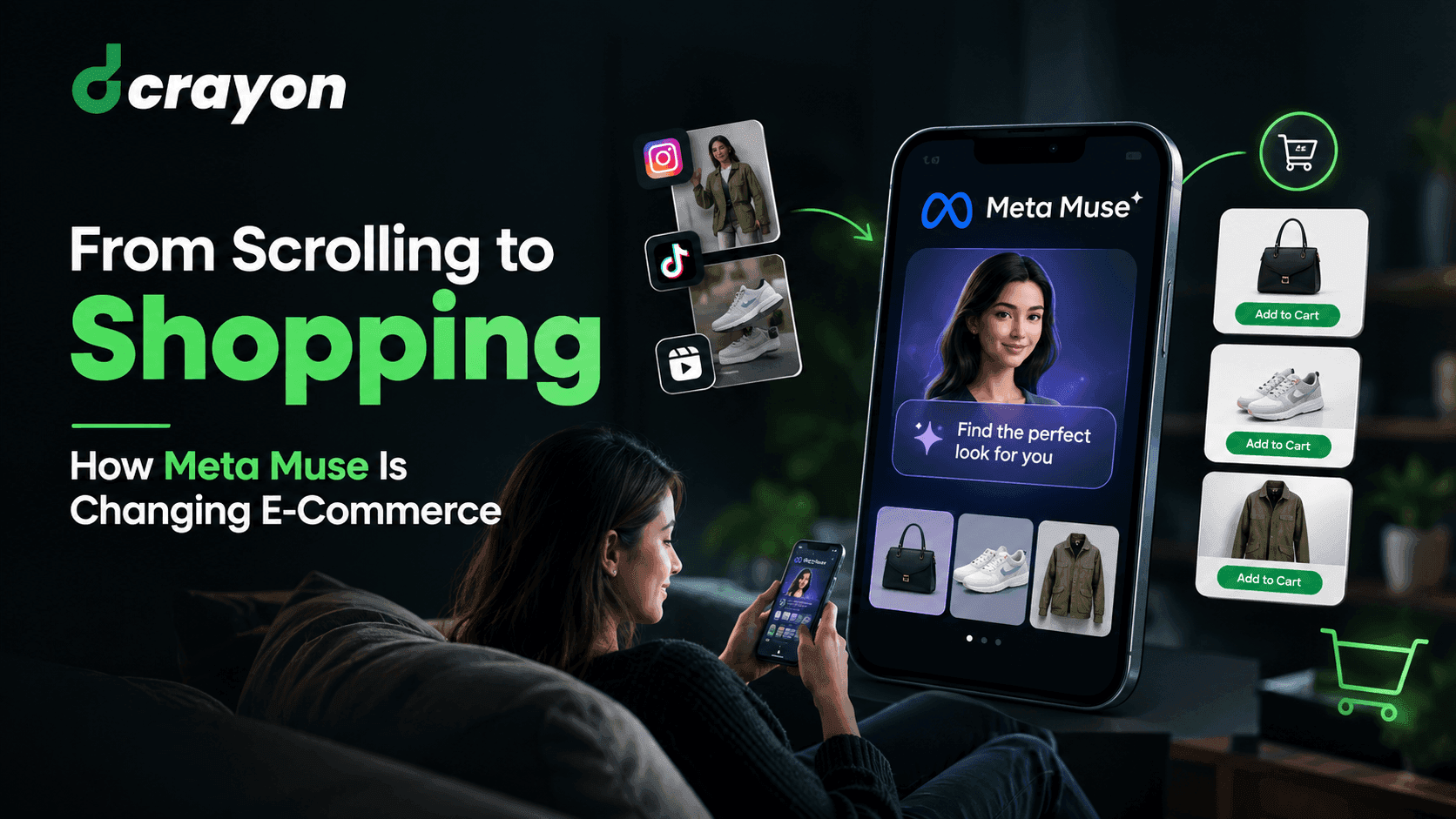
From Scrolling to Shopping How Meta Muse Is Changing E-Commerce
What if your next shopping assistant wasn’t a person, but an AI agent? Meta is exploring exactly that possibility with Muse, its AI-powered assistant designed to help users discover products, compare deals, and make purchasing decisions.
Read More about From Scrolling to Shopping How Meta Muse Is Changing E-Commerce

Tesla’s Flying Roadster Stunt How Bold Brand Stunts and Marketing Capture Attention in the Age of Social Media
Explore how Tesla’s Flying Roadster stunt highlights viral marketing, bold brand positioning, creative campaigns, and social media engagement.
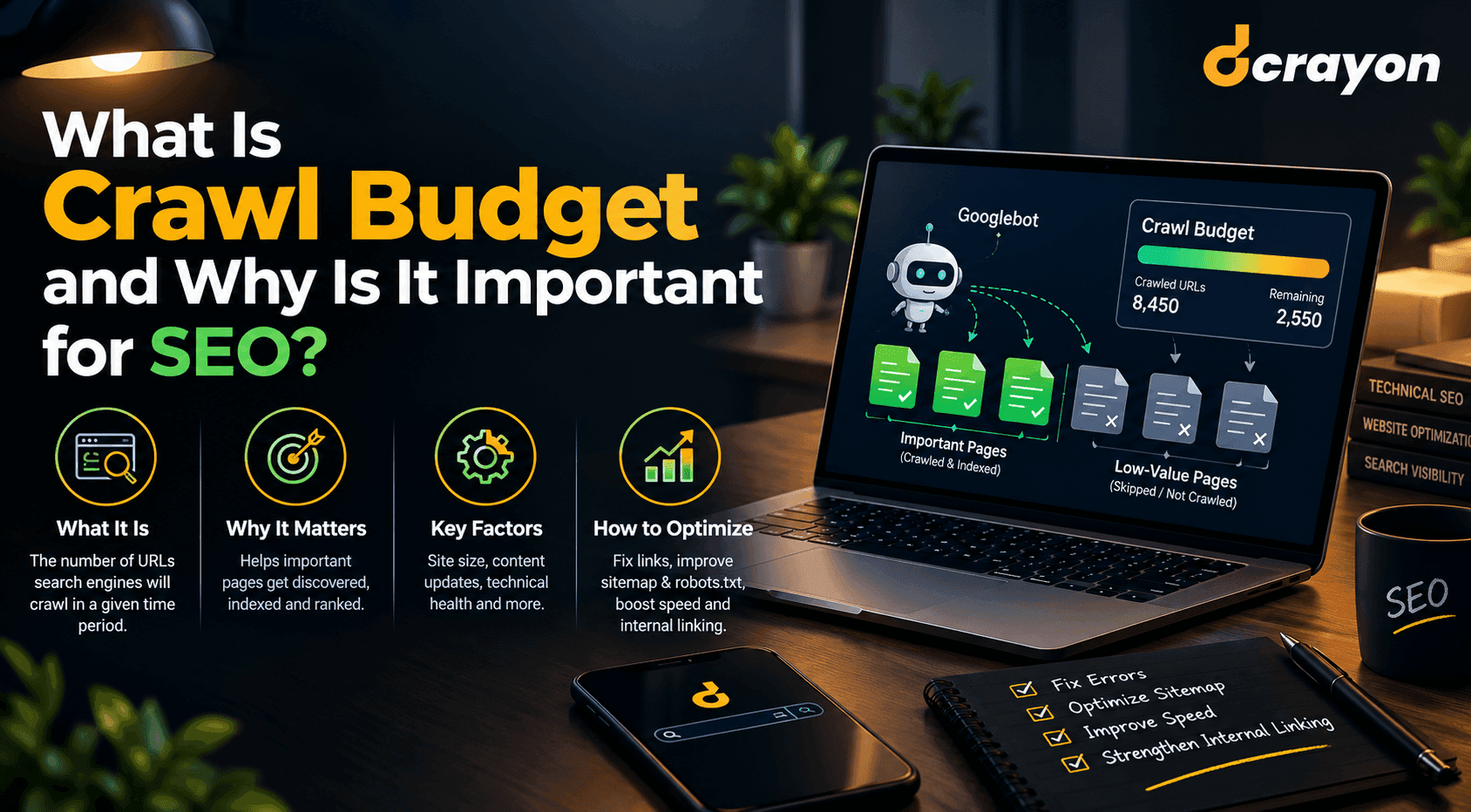
What Is Crawl Budget and Why Is It Important for SEO?
When reviewing your website for technical SEO in tandem with professional web development, you can detect unnecessary redirects, broken links, duplicate URL patterns, and other problems that hinder website crawling.
Read More about What Is Crawl Budget and Why Is It Important for SEO?
Want to grow your digital presence?
Let's discuss how we can help your business.