 All Case Studies




What Makes a Mobile App User-Friendly: A UX Checklist
October 26, 2026 | 8 min read

Founder and CEO at Dcrayon
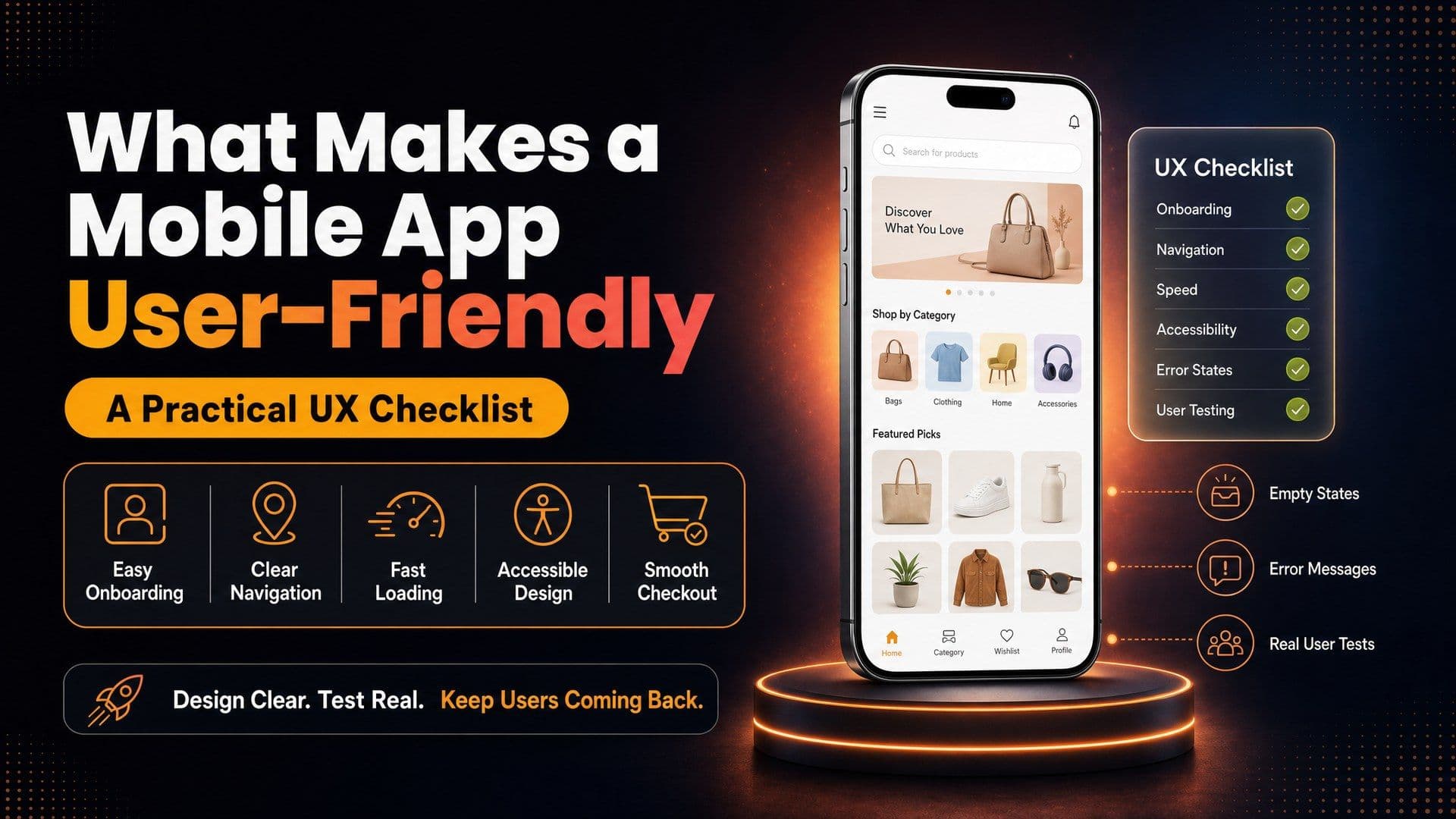
A mobile app is user-friendly when people finish the job they opened it for, quickly and without help, on the phone they already own. That comes from a short start, navigation that follows iPhone and Android habits, quick screens, readable text and large tap targets, short forms, helpful empty and error screens, and sessions with real users.
Run this checklist before production code starts and again before release; our UI/UX design page explains how we approach app screens. Where a real example helps, the checklist uses the Natually shopping app, which we built in Flutter and which is live on Google Play (see the Natually app case study).
How should onboarding work in a mobile app?
Show people what the app does before asking for anything. Every screen between install and first use is a chance to quit.
- Let people look around first, and ask for sign-up when it pays off, such as saving an item or placing an order.
- Replace swipe-through tour screens with one short hint the first time a feature appears.
- Make sign-in easy to finish. WCAG 2.2 criterion 3.3.8, Accessible Authentication (Minimum), says no login step should depend on a memory test such as recalling a password unless another route or a helper exists. Allow password managers, paste and one-time codes.
How should navigation be organised?
Use the patterns people already know from their phone, so nobody has to learn your app before moving around it.
On iPhone that means a tab bar along the bottom and a swipe from the left edge to go back. Android users expect the system back gesture or button to work on every screen, and Google's Material Design describes navigation bars, rails and drawers for different screen widths. Our iOS app development and Android app development teams follow each platform's rules, even when the code is shared.
- Keep the main sections few, and give every icon a text label.
- Put search within reach of the home screen.
- Android runs on budget handsets, tablets and foldables, so layouts should widen rather than stretch.
- In a cross-platform build, choose which controls, such as date pickers and share sheets, should feel native on each side. Our Flutter and React Native comparison shows how each framework handles this.
How fast should a mobile app feel?
Every tap should answer at once, even when the data behind it takes longer to arrive.
People feel speed before they notice design. A button that does nothing for a moment gets tapped twice, and a blank screen reads as a crash. Test on the lowest-priced phone your buyers are likely to own, over mobile data.
- Give every button a pressed state, and show grey placeholders shaped like the content while it loads.
- Serve images at the size the screen shows, and cache lists people open often.
- Set a start-time limit for each release and let the build pipeline flag a slower version. Our DevOps services set up checks like these.
Some tasks are slow by nature, such as AI photo analysis. Our post on planning AI features in an app shows how to design that wait.
How do you make an app accessible?
Design for people who see, hear, move and read in different ways, with WCAG 2.2 as the measure and each platform's guidelines for the detail.
The W3C's WCAG 2.2 is written for web content, but most of its criteria carry over to apps, and the platform guides add phone-specific numbers.
- Tap targets. Apple's Human Interface Guidelines give 44x44 points as the default control size on iPhone, and Google's Android accessibility guide recommends at least 48dp by 48dp. WCAG 2.2 criterion 2.5.8 sets a floor of 24 by 24 CSS pixels at Level AA.
- Contrast. WCAG 1.4.3 asks for at least 4.5:1 for normal text and 3:1 for large text. Pale grey prices on white often miss it.
- Text size. Apple suggests letting people enlarge text by at least 200 percent, so layouts must wrap instead of cutting off buttons and prices.
- Meaning without colour. Mark an error with words and an icon, not only a red border.
- Names for icons. A heart icon should be read aloud as "Save to wishlist", not as "button".
Material Design's accessibility guidance covers the same ground for Android components, so one checklist can serve both platforms.
How should forms and checkout be designed?
Ask for less, fill in what the app already knows, and check each entry while the person is still on that field.
WCAG 2.2 criterion 3.3.7, Redundant Entry, says details a user already gave in the same process should be filled in for them or offered as a choice. In a shopping app, the delivery address reappears as the billing address with one tap.
- Open the right keyboard for each field: numbers for phone numbers and PIN codes, the email layout for email.
- Support the phone's own autofill for names, addresses and one-time codes.
- Check a field when the person leaves it, not on every keystroke, and say how to fix it.
- Show the full total, with delivery, before the payment step.
The Natually app offers saved addresses with location detect. On any app, treat a detected address as a draft the shopper confirms and edits, keep a typed form for anyone who declines location access, and list saved addresses at checkout. Payment methods and wallets are covered in our eCommerce app development guide.
What should empty and error states say?
Each screen needs a plan for "nothing here yet" and "something went wrong", in plain words with a next step.
An empty wishlist can explain how to save an item and link to popular categories. An empty order history can point to the catalogue, and a search with no results can suggest a corrected spelling or a nearby category.
Error messages should say what happened, what was kept and what to do next. "We could not reach the server. Your cart is saved. Try again" helps; "Error 500" does not. Natually offers voice and photo search, and any app with them needs a plan for misses: show the words the app heard so the shopper can edit them, and when a photo finds no match, offer typed search or categories.
Natually also tracks each order from packing to the doorstep. If courier data runs late, the tracking screen should show the last known step and when it happened.
How do you test an app with real users?
Watch a few people from your audience try real tasks on their own phones, before launch and after each big change.
Functional QA asks whether the app works, and our app testing and QA team covers that. Usability sessions ask a different question: can people work out what to do?
- Write four to six tasks in plain words, such as "find a sunscreen and save it for later".
- Recruit people who match your buyers, not your own staff.
- Install the build on their phones through TestFlight or a Google Play testing track, as our Flutter MVP guide explains.
- Ask them to think aloud, stay quiet yourself, and note every pause and wrong tap.
- Fix what you saw, then run a new round with different people.
How do you shortlist a vendor that builds user-friendly apps?
Use the apps they have built, and ask how they design and test with users before you compare prices.
- Install apps from their portfolio and check the developer name on each store listing.
- Ask who designs the screens, whether you will tap through a clickable prototype first, and how they run user sessions.
- Ask which WCAG 2.2 level they design to, and how they handle iPhone and Android differences.
- Read client reviews that describe using what was built.
Shyam Juneja, Managing Director of Just Burgers Plus, wrote on GoodFirms about the website we built for him: "The team quickly understood what we needed for Just Burger and delivered a modern, mobile-friendly website that prioritized customer experience - from intuitive menu browsing to a smooth checkout process."
Put your usability needs into your mobile app brief, then compare vendors with our checklist for choosing an app company in India.
Check our reviews
Jikra and Sygnioin each hired us for a website plus a Flutter app, and both gave five stars on GoodFirms. In October 2026 our GoodFirms profile held a 4.9 rating across 12 reviews, and we pay GoodFirms for its PRO listing. The same month, Clutch showed 4.9 across 7 reviews.
Questions buyers ask
Should an app look the same on iPhone and Android?
Brand colours, type and content can match. Controls people use without thinking, such as going back, picking a date or sharing, should behave the way each phone expects.
Which accessibility level should an app aim for?
WCAG 2.2 Level AA is a sensible target to write into a brief, since it covers the contrast, target size and sign-in points above and gives designers and testers one standard.
Can the UX of a live app be improved without a rebuild?
Usually, yes. Start with store reviews, support questions and drop-off screens, then fix the weakest flows one release at a time.
What does design add to the cost of an app?
Design time grows with the number of screens and test rounds. As a reference point, the rates published on our GoodFirms profile are $25 to $49 an hour, and an Android Flutter app MVP begins at $5,000.
Related Articles
More insights from the Dcrayon desk.
From Scrolling to Shopping How Meta Muse Is Changing E-Commerce
What if your next shopping assistant wasn’t a person, but an AI agent? Meta is exploring exactly that possibility with Muse, its AI-powered assistant designed to help users discover products, compare deals, and make purchasing decisions.
Read More about From Scrolling to Shopping How Meta Muse Is Changing E-Commerce

Tesla’s Flying Roadster Stunt How Bold Brand Stunts and Marketing Capture Attention in the Age of Social Media
Explore how Tesla’s Flying Roadster stunt highlights viral marketing, bold brand positioning, creative campaigns, and social media engagement.
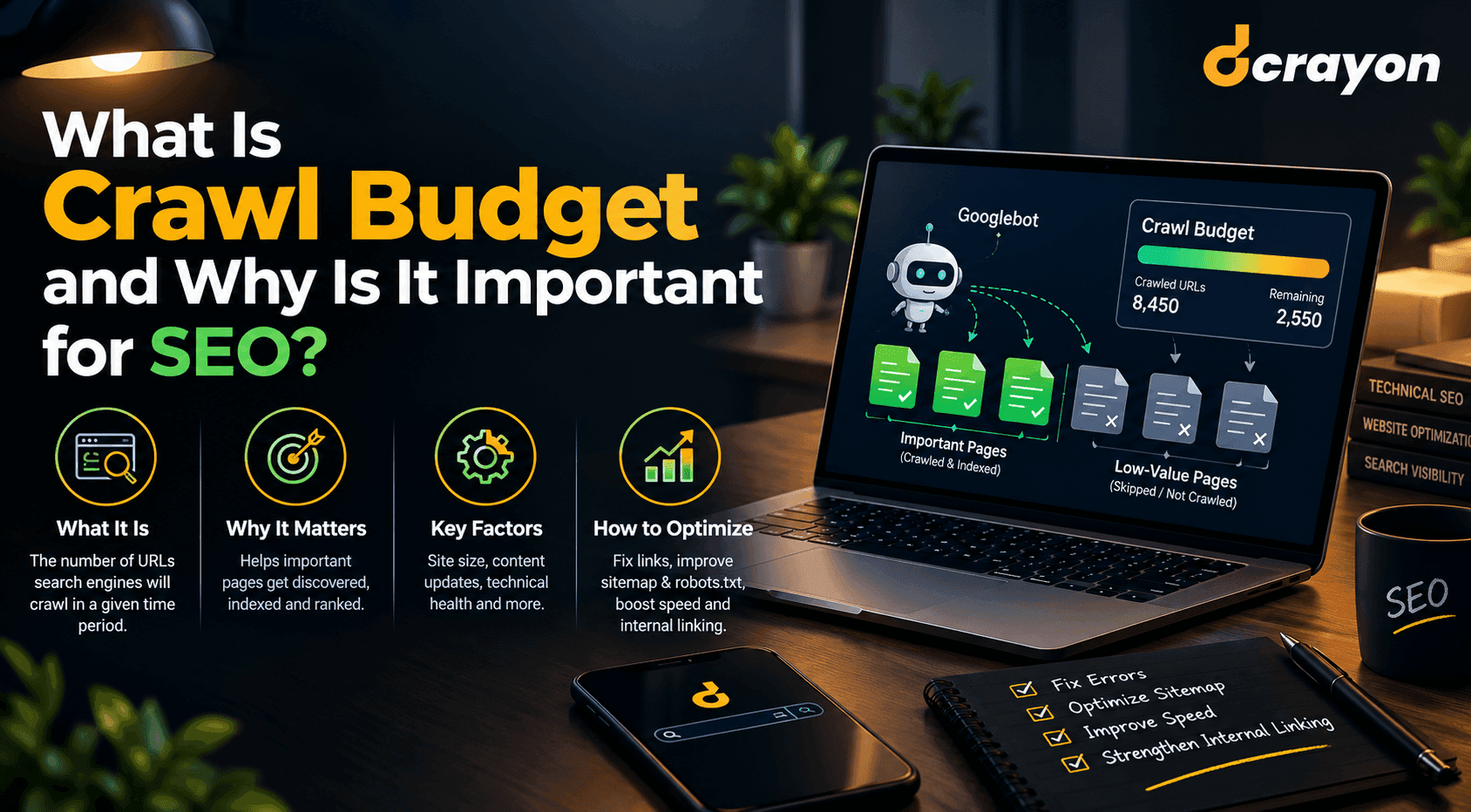
What Is Crawl Budget and Why Is It Important for SEO?
When reviewing your website for technical SEO in tandem with professional web development, you can detect unnecessary redirects, broken links, duplicate URL patterns, and other problems that hinder website crawling.
Read More about What Is Crawl Budget and Why Is It Important for SEO?
Want to grow your digital presence?
Let's discuss how we can help your business.