 All Case Studies








Adding AI Features to a Mobile App: What to Plan First
October 26, 2026 | 8 min read

Founder and CEO at Dcrayon
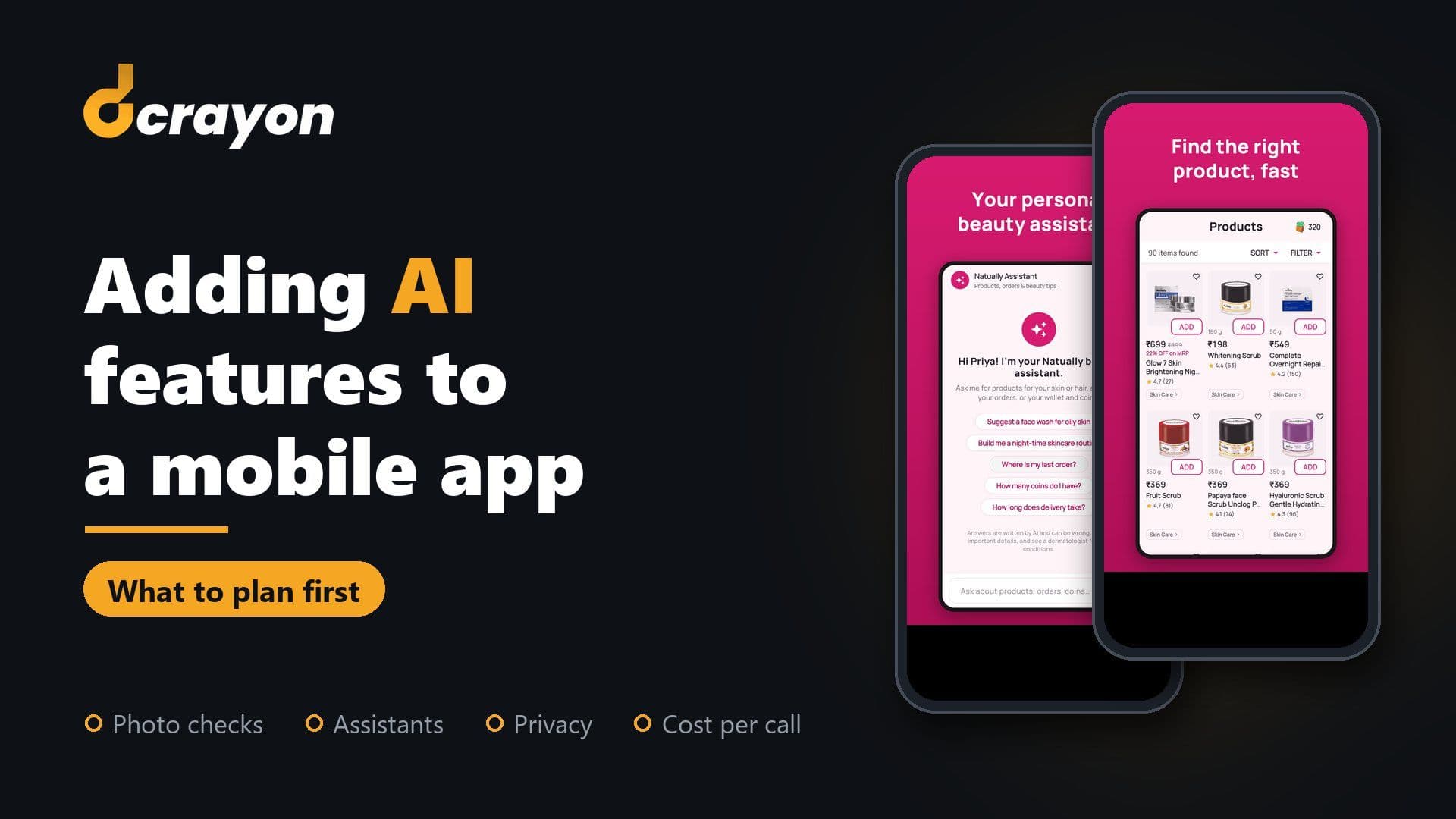
Adding AI to a mobile app is mostly a planning job. Before design starts, decide which task the model does, whether it runs on the phone or in the cloud, what each call costs, how long users wait, what happens to their photos, what Apple and Google ask you to disclose, and how you will test the answers.
We build apps that call AI models rather than building the models themselves. Our Flutter development team made the Natually shopping app, live on Google Play. Its AI skin analysis sends a shopper's photo to a model, and the app also offers a beauty assistant and search by voice or photo. This guide uses that build as its worked example.
Which AI features are worth adding to a mobile app?
The useful ones remove a step the user already takes, such as typing a product name or scrolling a long list. Four kinds suit most consumer and business apps:
- Photo analysis. The user points the camera and the app returns a reading plus a next step. On the Natually app, a shopper takes a photo and gets a skin, hair or lip analysis, with products picked for what it finds.
- Assistants. A chat screen that answers questions about your products and the user's own account. Natually's beauty assistant suggests products, builds a night-time routine and answers "where is my last order".
- Search by voice or photo. Helpful when shoppers cannot name what they want, or find typing slow. The Natually app offers both.
- Recommendations. Ranking products or content from what the user did before. These usually run on your server rather than in a chat.
A quick test for any idea: if you removed the feature, would users lose a step they value? If the honest answer is no, it belongs on the later list in your Flutter MVP plan.
Should the AI run on the phone or in the cloud?
Run small, fast or private tasks on the device, and send heavier reasoning to a cloud model. Many apps use both.
On-device models need no network and keep data on the phone. Google's ML Kit says its processing happens on the device, works offline and suits images and text that need to stay there, which fits live camera tasks such as reading text or barcodes. Apple's Core ML plays the same role on iPhone.
Cloud models handle the harder jobs: open questions, long answers and detailed photo reading. Firebase AI Logic offers client SDKs, including one in Dart for Flutter, that call Google's Gemini models straight from an app, with options to block unauthorised clients. Many teams route calls through their own backend instead, so prompts, keys and logs stay on the server. That backend layer is API development work.
For each feature, ask whether it must work without signal, whether the input is too sensitive to leave the phone, and how often each user will call it.
What does each AI call cost?
Cloud models charge by usage, so the bill grows with every active user. Price the feature per user before you build it, not after launch.
Providers publish rates per request, per unit of text or per image. Multiply a realistic number of calls per active user by that rate and by your expected users, and you have a monthly range to plan around. Then bring it down:
- Resize and compress photos on the phone before upload.
- Cache answers to repeated questions, such as common product queries.
- Use a smaller model for simple steps and keep the larger one for hard cases.
- Set a fair daily limit per user and log cost per feature.
Hosting, queuing and logging these calls belong in your cloud solutions plan. For the build budget itself, our guide to mobile app development cost in India explains what sets the price.
How long will users wait for an AI answer?
Longer than for a normal screen, so the design has to set expectations and show progress.
The Natually Play listing tells shoppers that the skin analysis takes about a minute. Saying so up front turns the wait into something the user has agreed to. Design for that wait:
- Show steps or progress, not a frozen spinner.
- Stream assistant replies as they arrive, where the model supports it.
- Set timeouts, and offer a retry that keeps the user's photo or question.
Waiting screens are one part of a wider picture, covered in our mobile app UX checklist.
What happens to users' photos and data?
Decide in writing what is sent, what is stored, for how long and who can see it, before anyone writes code.
On the Natually app, the Play listing tells shoppers that the photo used for the skin analysis is not kept. A promise like that has to be designed in: where the photo travels, when it is deleted and who can reach it on the way.
- Send only what the model needs, such as a cropped, resized image.
- Delete inputs after processing unless the user chooses to save them.
- Read your AI provider's data terms, including whether inputs are used for training.
- Map personal data against India's Digital Personal Data Protection Act, the GDPR or the laws in your other markets.
If a feature touches health information, treat it as regulated from the first sketch. Our healthcare app checklist for startups lists what buyers should ask.
What do Apple and Google require you to disclose?
Both stores want users told where their data goes, and Google Play adds rules for content that AI creates.
- Apple. Guideline 5.1.2(i) of the App Store Review Guidelines asks apps to clearly disclose when personal data will be shared with third parties, naming third-party AI, and to get explicit permission first.
- Google Play. The AI-Generated Content policy asks apps that generate content with AI to prevent restricted content and to let users report or flag offensive output without leaving the app.
- Both. Apple's App Privacy details and Google Play's Data safety form must list the photos, voice and other data a feature collects.
In practice, that means a short consent screen before the first photo or voice upload, and a "report this answer" option on assistant replies.
How do you test AI output before launch?
Test against a fixed set of real inputs and written pass rules, because the same input can return a different answer each time.
- Build a test set from real life: photos in poor light, from older cameras and across skin tones, plus questions in the words users actually type.
- Write pass rules a tester can check, such as "every recommended product exists in the catalogue" or "the assistant never guesses an order status".
- Include bad inputs: blurry photos, no face in frame, background noise, off-topic questions.
- Re-run the whole set after any change to the prompt, the model or its version.
- After launch, review flagged answers and watch error rates and daily cost.
This runs beside normal device and regression testing, which our app testing and QA page describes.
How does the Natually app use AI?
Each of these features sits inside an ordinary shopping job: the skin analysis ends in product picks, the assistant mixes routines with order help, and voice or photo search opens the same range. The Flutter app reads the Natually website's own store platform and product list, so the brand edits each product once for both.
The full build is in our Natually app case study. The eCommerce app development guide shows how the same pattern fits other shops.
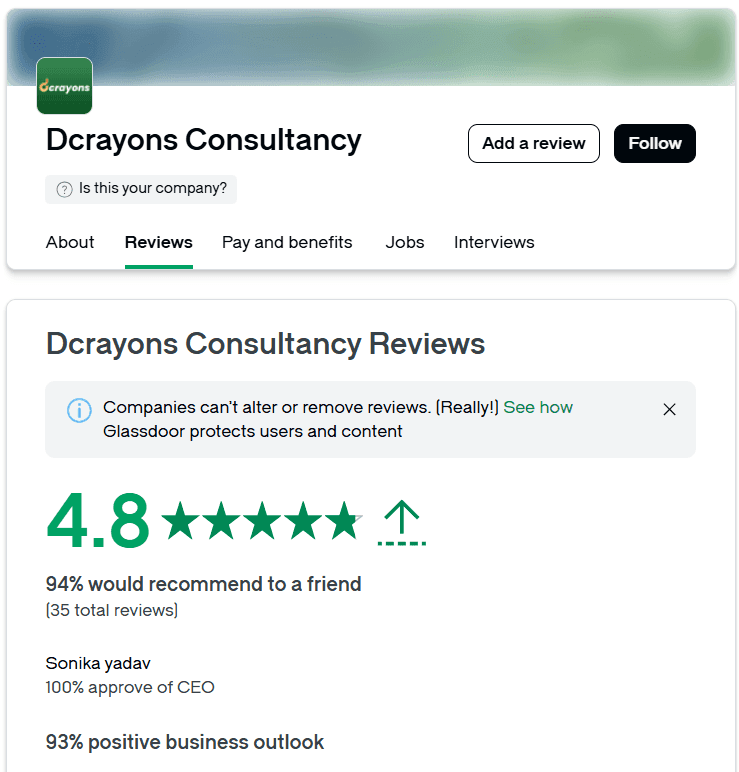
Check our reviews
No public review of ours describes an AI feature yet, so weigh them for the app work they do cover. In October 2026 the GoodFirms profile carried a 4.9 average over 12 reviews, including Jikra and Sygnioin, who each had a website and a Flutter app built by us, and Jikra wrote: "Over eight months, they delivered strong work across every area." GoodFirms is paid by us for a PRO listing, so read it with that in mind. On Clutch we held 4.9 over 7 reviews the same month.
Questions buyers ask
Do I need a specialist AI firm to add AI to my app?
Usually not. Most app features call an existing model through an API, so what matters is an app team that plans the data flow, cost, store rules and testing. Training your own model is a separate project that few apps need at the start.
Can a Flutter app use AI models?
Yes. Firebase AI Logic has a Dart SDK for cloud models, and on-device tools such as ML Kit and Core ML can be reached through plugins or platform code. The Natually app is a live Flutter example.
How much does it cost to add AI features?
There are two costs: building the feature and paying for each call. Our GoodFirms profile lists Android Flutter app MVPs from $5,000 and an hourly rate of $25 to $49. Call costs depend on your provider's rates and your usage, so model them per active user before launch.
Will an AI feature slow the app down?
Not if it is built to wait well. Heavy calls run in the background while the screen shows progress, and quick tasks can run on the device with no network round trip.
Related Articles
More insights from the Dcrayon desk.

From Scrolling to Shopping How Meta Muse Is Changing E-Commerce
What if your next shopping assistant wasn’t a person, but an AI agent? Meta is exploring exactly that possibility with Muse, its AI-powered assistant designed to help users discover products, compare deals, and make purchasing decisions.
Read More about From Scrolling to Shopping How Meta Muse Is Changing E-Commerce

Tesla’s Flying Roadster Stunt How Bold Brand Stunts and Marketing Capture Attention in the Age of Social Media
Explore how Tesla’s Flying Roadster stunt highlights viral marketing, bold brand positioning, creative campaigns, and social media engagement.
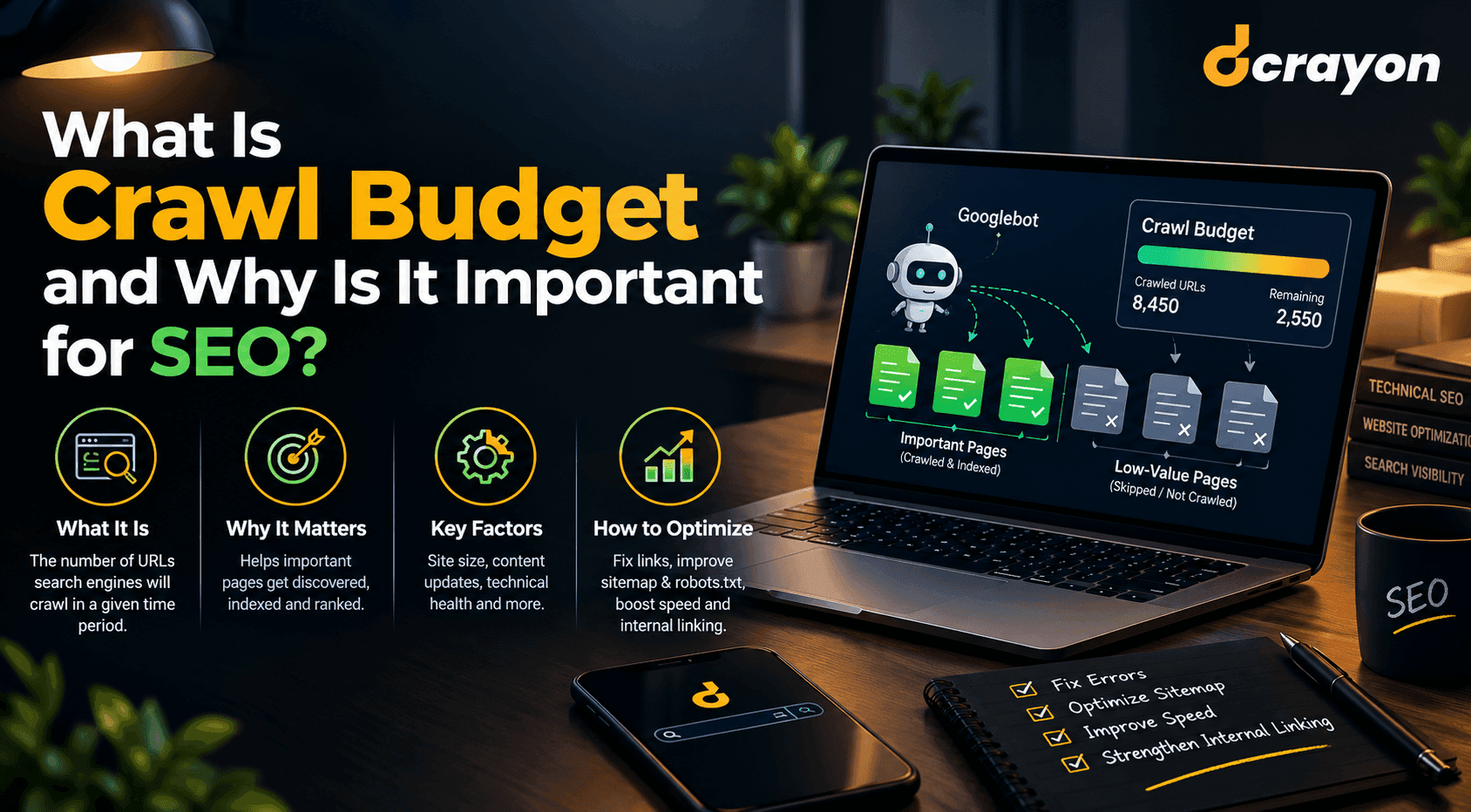
What Is Crawl Budget and Why Is It Important for SEO?
When reviewing your website for technical SEO in tandem with professional web development, you can detect unnecessary redirects, broken links, duplicate URL patterns, and other problems that hinder website crawling.
Read More about What Is Crawl Budget and Why Is It Important for SEO?
Want to grow your digital presence?
Let's discuss how we can help your business.