 All Case Studies










Furry Fits cross-platform fix at a glance
The main facts of the Furry Fits store repair.
| Item | Detail |
|---|---|
| Client and industry | Furry Fits, pet clothing, grooming products and beds |
| Where shoppers arrive from | Instagram and other social links, opened on phones |
| Engagement | Under the website maintenance retainer |
| Our scope | Diagnose and fix store failures on iOS, Android and the Instagram in-app browser |
| Platform | Shopify, on a theme built and maintained by Dcrayon |
| Catalogue size | 113 products, 939 variants on 13 Oct 2026 |
Challenge
Furry Fits runs a Shopify store for pet clothing, grooming products and pet beds. Shoppers on phones, especially those tapping through from Instagram, could not open it reliably.
Dcrayon looks after the store under a website maintenance and social media retainer, and built the theme it runs on, as described in the Furry Fits store build case study. The brand's social media is handled under the same retainer, and its Instagram posts send shoppers to its festive kurtas, raincoats and winter wear. A shopper who sees a product on the brand's Instagram and taps the link does not open Chrome or Safari: the store opens inside Instagram itself. A link that fails there fails at the moment the shopper is most interested.
The catalogue behind those links is large for a single brand. On 13 October 2026 the catalogue counted 113 products and 939 variants, because almost every clothing piece comes in a run of sizes, and the home page shows products from six tabbed collection sections. When the store stopped opening properly on both Android and iOS, the first task was to find out what was actually breaking.
How the Furry Fits failures showed up on phones
The store failed on phones, and it failed differently on Android and on iOS.
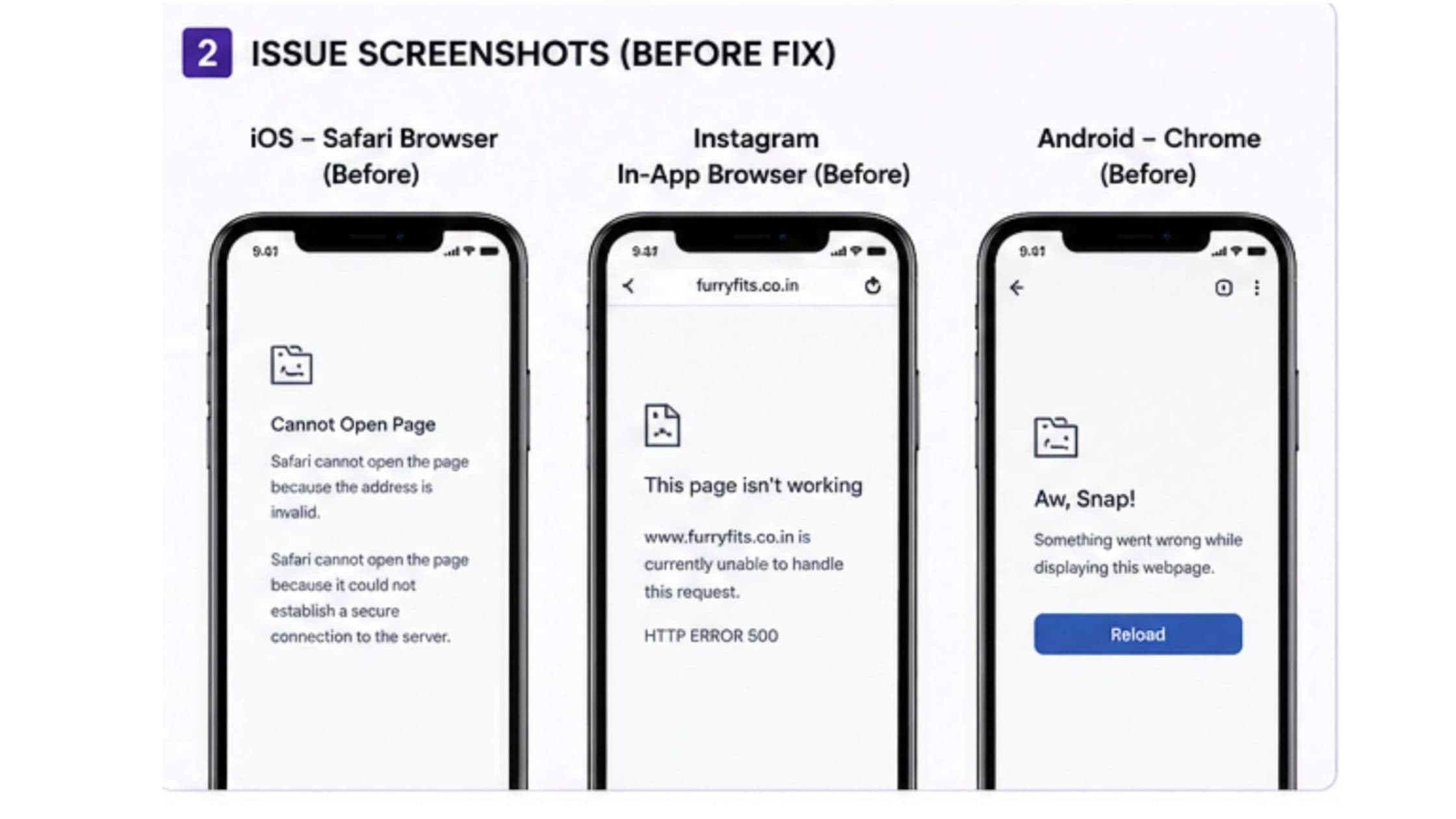
Users could not open the website properly on their phones, and the failure was not consistent. The same page could behave one way on an Android phone and another way on an iPhone. That ruled out a single broken page and pointed to something in how different devices and browsers were handling the store as a whole.
Chrome did not reproduce the fault, but Instagram's in-app browser did.
Testing the store in Chrome did not reliably trigger the problem. The failures appeared mainly when the store was opened through Instagram's in-app browser. An in-app browser is a stripped-down browser built into an app, so that a link opens without the user leaving the app. It uses the phone's browser engine but is controlled by Instagram, with its own settings and limits, so it does not behave exactly like Safari or Chrome. A check in Chrome alone would have reported the store as working while Instagram shoppers watched it fail.
iPhones showed compatibility errors that stopped pages loading.
On iOS the store displayed compatibility-related errors, and the page did not finish loading. Browsers on an iPhone in India, including Instagram's in-app browser, run on Apple's WebKit engine. A problem that WebKit handles badly therefore shows up in Safari, in Chrome for iOS and inside Instagram at the same time.
The size of the catalogue added to the load on every page.
The team found that the sheer number of products added to the work each page asked of the browser. Every product card brings images, prices and script work, and a clothing catalogue with hundreds of size variants adds to the data behind each card. On a phone, and especially inside another app, that load contributed to the rendering and compatibility failures.
Where the Furry Fits store failed, and for whom
Each failure, the shoppers it reached and what it cost them.
| Issue | Who it affected | Business impact |
|---|---|---|
| Store failed inside Instagram's in-app browser | Shoppers tapping product links in Instagram posts | Interest from social posts could not reach a product page |
| iOS compatibility errors stopped loading | iPhone users in Safari, Chrome and Instagram | A whole platform of shoppers saw an unfinished page |
| Different behaviour on Android and iOS | All phone shoppers | No single check could confirm the store was working |
| Heavy catalogue load on each page | Phone shoppers, most of all inside apps | Pages stalled before showing products |
Solution
Tracing the fault across devices, browsers and Instagram
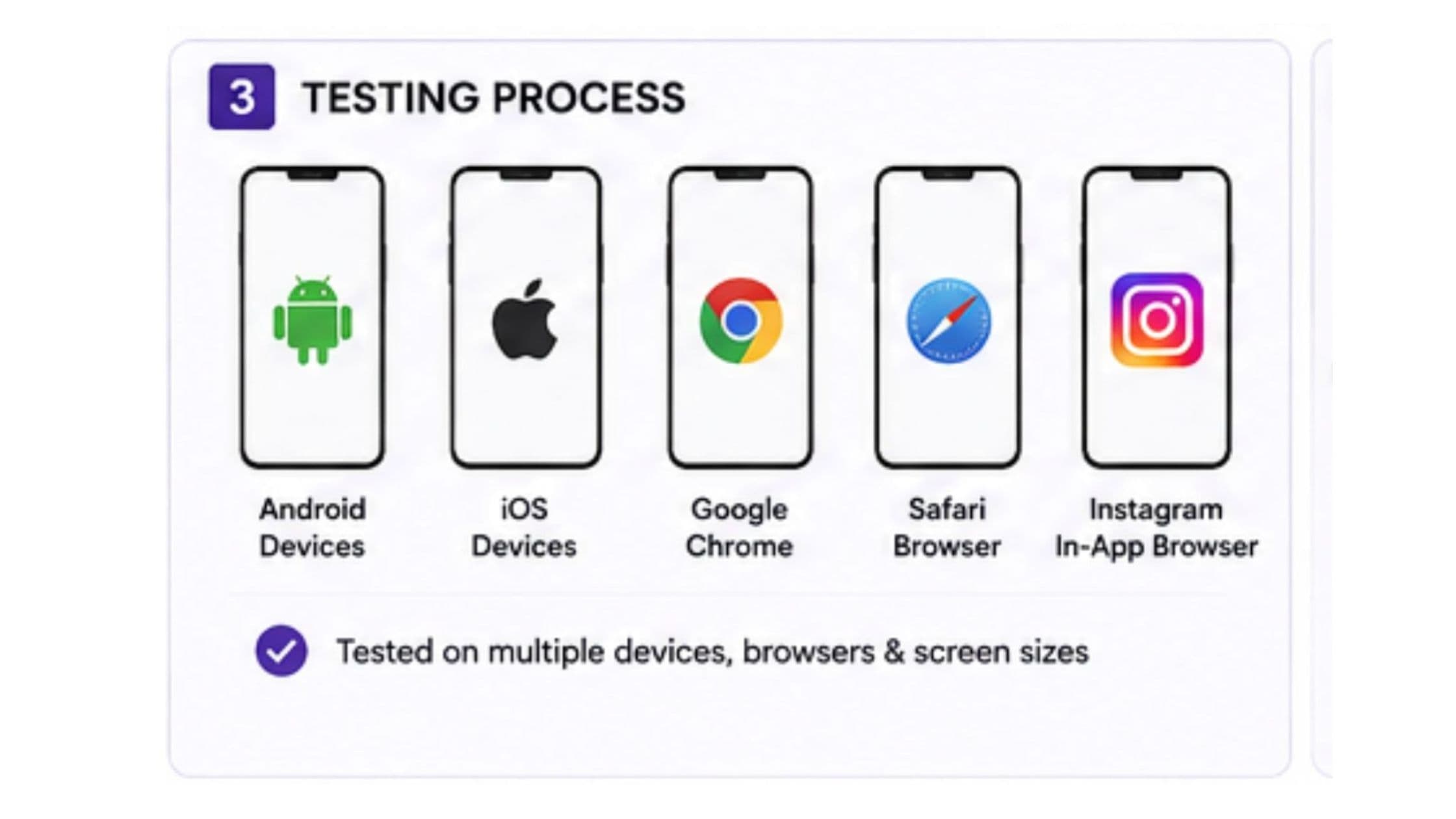
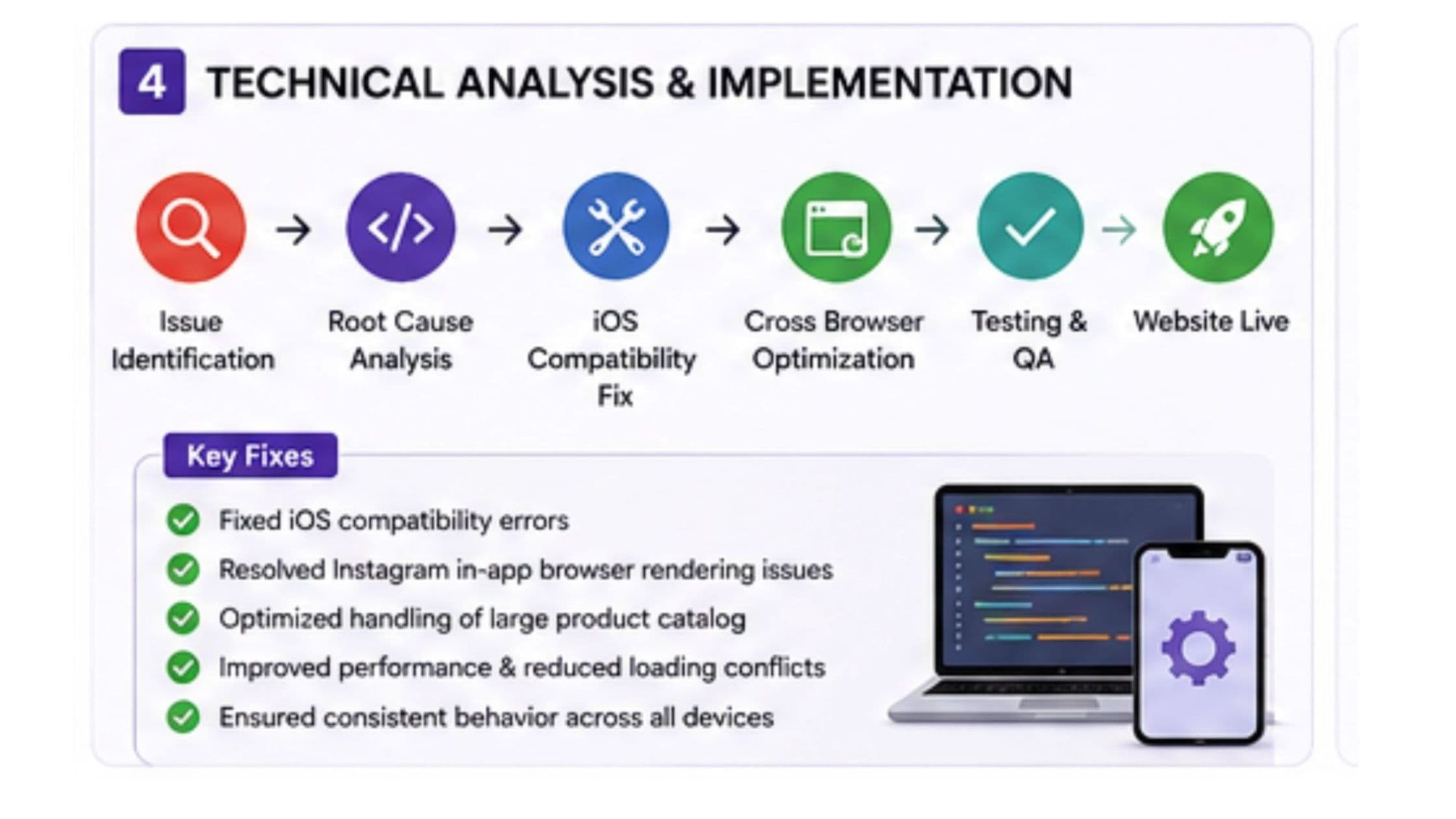
Rather than patching each symptom as it was reported, the team ran a structured technical analysis. They opened the store on Android and iOS devices, in Chrome, in Safari and through Instagram's in-app browser, and compared what happened in each. The pattern pointed to a combination of causes: iOS compatibility limits, the way Instagram's in-app browser handled the store, and the weight of the catalogue the pages were loading. Fixing only one of the three would have left the others in place, so the team treated them as one problem with three causes. Comparing the same pages side by side across devices, browsers and apps is the core of our app testing and QA work.
Fix one: clearing the iPhone compatibility errors
The first change dealt with iOS directly. The team identified the compatibility errors that iOS raised on the store and corrected them, so that pages no longer stopped part-way through loading on iPhones. Because every iPhone browser shares the WebKit engine, this one correction applied to Safari, to Chrome for iOS and to the Instagram in-app browser on iPhones at once.
Fix two: a lighter catalogue for phones
The second change reduced what each page asked a phone to do. The team reworked how the store handles its large catalogue, so that a phone has less to process when a page opens. This mattered most inside Instagram and on the home page, where several collections of products load one after another.
Fix three: one behaviour across Android, iOS and the in-app browser
The third change made the store behave the same way everywhere. Rather than adding a separate workaround for each device or app, the team made compatibility changes that apply to every visitor, so Android, iOS and the Instagram in-app browser all receive the same pages and the same behaviour. This is the approach we take in Shopify development generally: problems that depend on the device or the app are fixed at the source, so that one change covers every shopper and there is a single version of the store to maintain.
Furry Fits store behaviour before and after the fix
How the store behaved in each environment before and after the changes.
| Area | Before | After | Evidence |
|---|---|---|---|
| Instagram in-app browser | Store often failed to open | Store opens from Instagram links | Dcrayon project notes |
| iPhone browsers | Compatibility errors stopped pages loading | Pages load without the iOS errors | Dcrayon project notes |
| Android browsers | Behaviour differed from iOS | Same pages and behaviour as iOS | Dcrayon project notes |
| Catalogue loading | Large product load on each page | Less for a phone to process on open | Dcrayon project notes |
| Store availability | Unreliable on phones | Online over HTTPS on 13 Oct 2026 | Checked by Dcrayon, 13 Oct 2026 |
Dcrayon services behind the Furry Fits fix
The services used on this repair and what each one contributed.
| Service | What it contributed |
|---|---|
| App testing and QA | Side-by-side comparison of the store across Android, iOS, Chrome, Safari and Instagram |
| Shopify development | Changes for iOS compatibility, in-app browser behaviour and catalogue loading |
Results
What a Furry Fits shopper gets from an Instagram link now
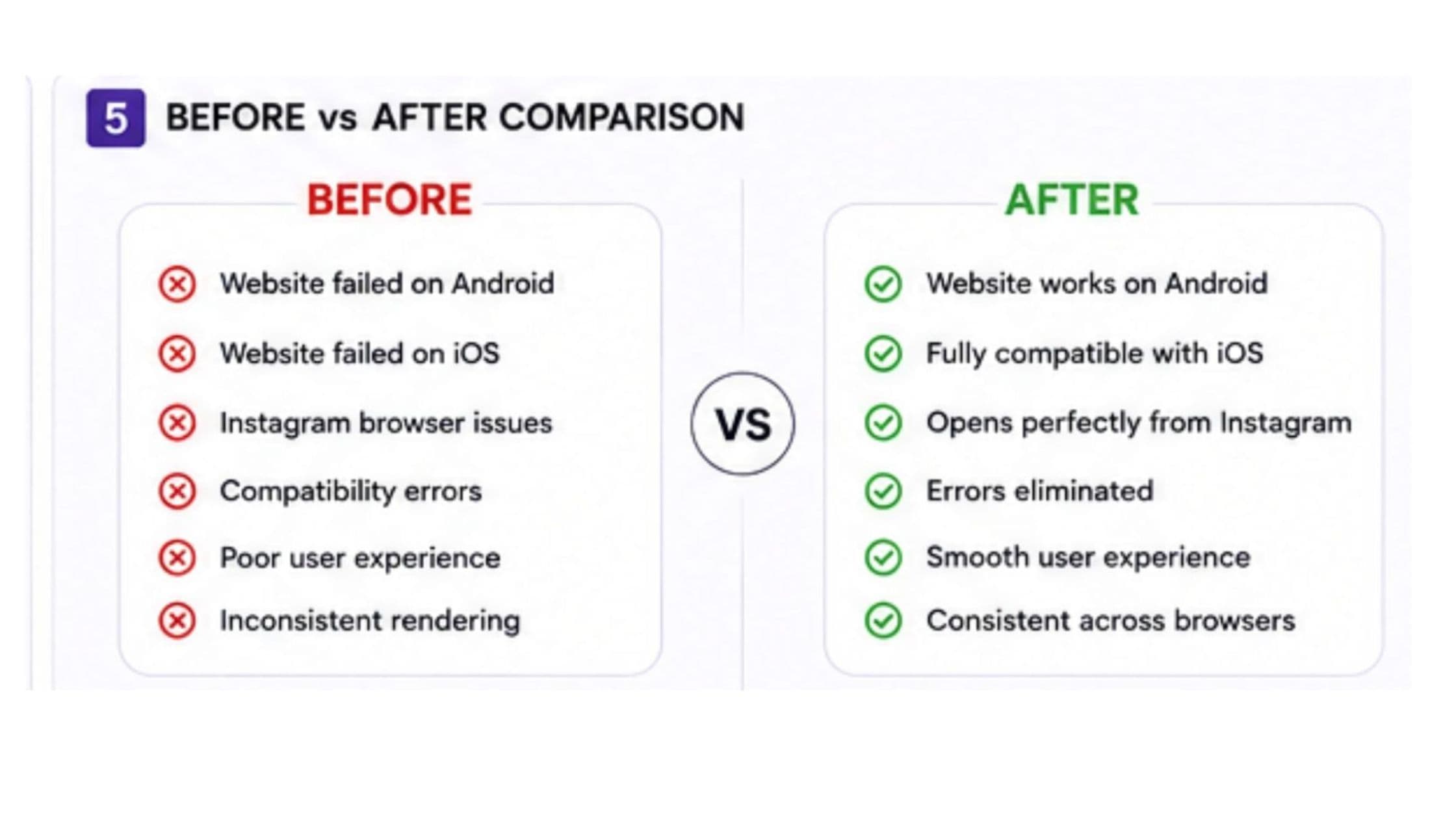
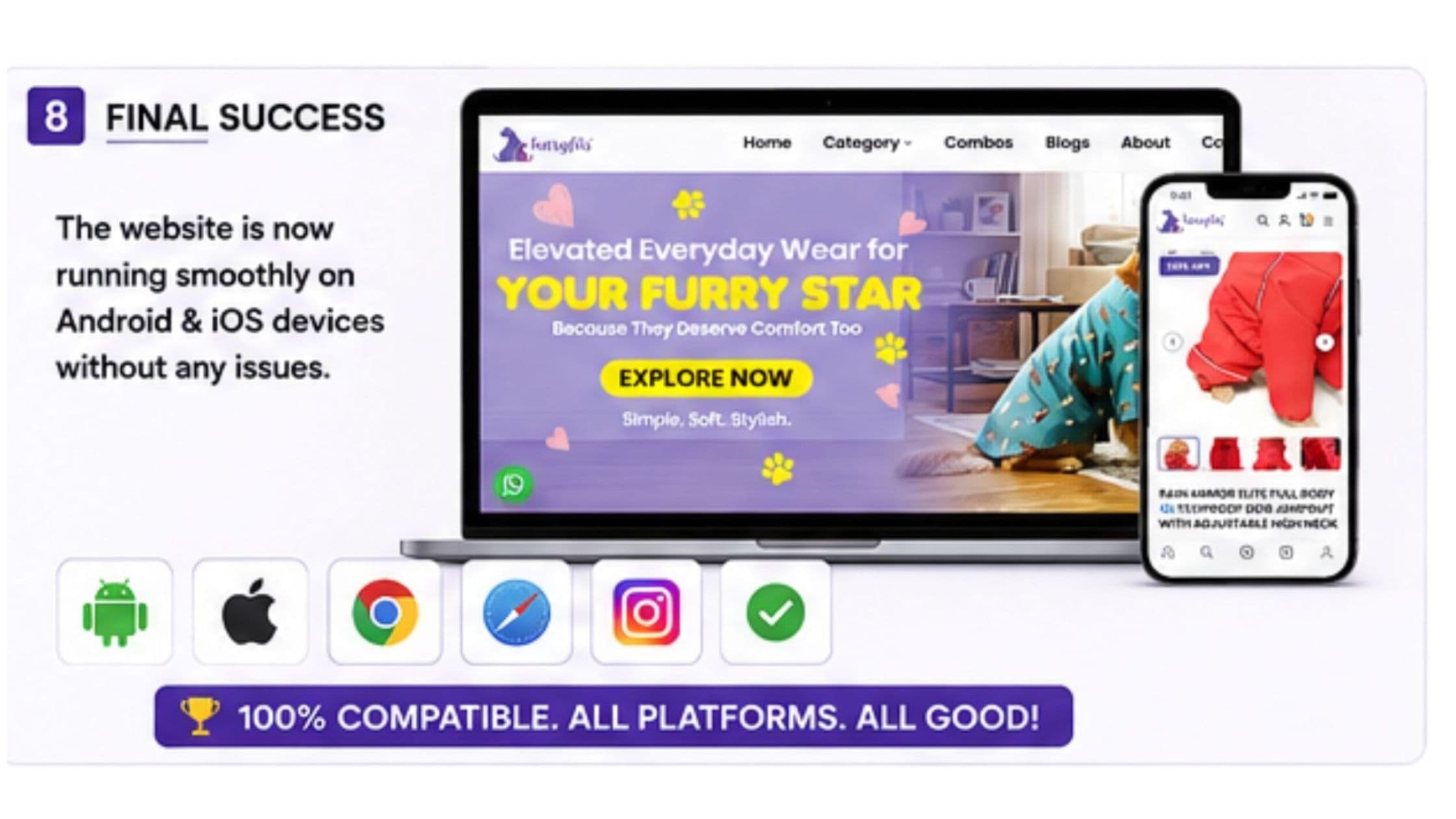
After the fixes, the store loaded on both Android and iOS devices, shoppers could open it from Instagram without the earlier loading failure, and the iOS compatibility errors no longer appeared. With the fixes in place, a shopper who sees a raincoat or a festive kurta on Instagram can tap through and reach the product on either platform, choose a size and check out.
For the Furry Fits team, links in the brand's social posts lead into a store that opens rather than an error page, and the store has one set of behaviour to maintain instead of a set of per-device exceptions. The changes to catalogue loading also give the team room to add seasonal lines, although the load is worth rechecking each time the range grows. When this page was updated on 13 October 2026, the store was online at furryfits.co.in, served over HTTPS with its home page images lazy-loaded so that a phone fetches them as the shopper scrolls.
Key takeaways
What the fix shows about in-app browsers
A website problem is not always a problem with the website alone. The same store can work in Chrome and fail inside Instagram, or work on Android and fail on an iPhone, because each app and operating system handles pages in its own way. For a brand whose shoppers arrive from social media, the in-app browser is the most important browser to test in, and it is the one most teams forget.
Root-cause analysis pays off when the symptoms are inconsistent. Treating the iOS errors, the in-app browser behaviour and the catalogue load as one problem with three causes meant one set of changes fixed all three, rather than a run of separate workarounds.
Catalogue size is a performance decision. As a store adds seasonal lines and size runs, the amount of data a page loads at once needs watching. Our guide on how to improve website loading speed explains where that weight usually comes from, and our piece on why reels are not getting views covers the other half of the Instagram journey. The store these fixes were made on is described in the Furry Fits Shopify build case study.
If your store works on your own phone but customers say it will not open from Instagram or on an iPhone, send us the details and we will trace it.
CategoryWeb Development
More work