 All Case Studies








How to Onboard on Flipkart - Flipkart Onboarding Guide for Sellers
August 14, 2026 | 5 min read

Rahul Yadav
Founder and CEO at Dcrayon
India’s e-commerce market has created significant opportunities for brands, manufacturers, wholesalers, and small businesses to reach customers beyond their local markets. Flipkart is one of the major marketplaces sellers can use to showcase products and build an online sales channel.
However, before uploading products and receiving orders, sellers need to complete the Flipkart onboarding process correctly. If you are wondering how to register on Flipkart or How to Sell on Flipkart, this guide walks you through the major steps, from creating your seller account to listing products and managing your first orders.
According to Flipkart Seller Hub, sellers can create an account using valid GST, address, and bank details, and then start listing products on the marketplace.
Why Sell Your Products on Flipkart?
Selling through an established marketplace can help businesses reach customers without having to build an entire e-commerce infrastructure from scratch.
Flipkart provides sellers with a platform where they can create product listings, receive orders, manage inventory, track payments, and access services designed to support marketplace businesses. Flipkart states that sellers can start by listing at least one product after completing account registration.
For new businesses, understanding How to Sell on Flipkart involves more than simply opening an account. Product information, pricing, inventory management, fulfilment, customer experience, and marketplace performance all influence your ability to build sustainable sales.
Documents and Information Required for Flipkart Seller Registration
Before beginning the registration process, keep your business information ready.
Flipkart's current seller registration information identifies GST, business/address information, and bank details as important parts of seller onboarding. Its registration systems also reference details such as GSTIN, PAN, pickup address, registered address, bank information, and cancelled cheque information depending on the seller and registration requirements.
Typically, you should have relevant information such as:
- GST and business tax details applicable to your category
- PAN and legal business information
- Pickup and registered business address
- Active bank account details
- Contact number and email address
- Product and business information
Requirements may vary depending on the business structure and products being sold, so sellers should check the latest requirements displayed during registration.
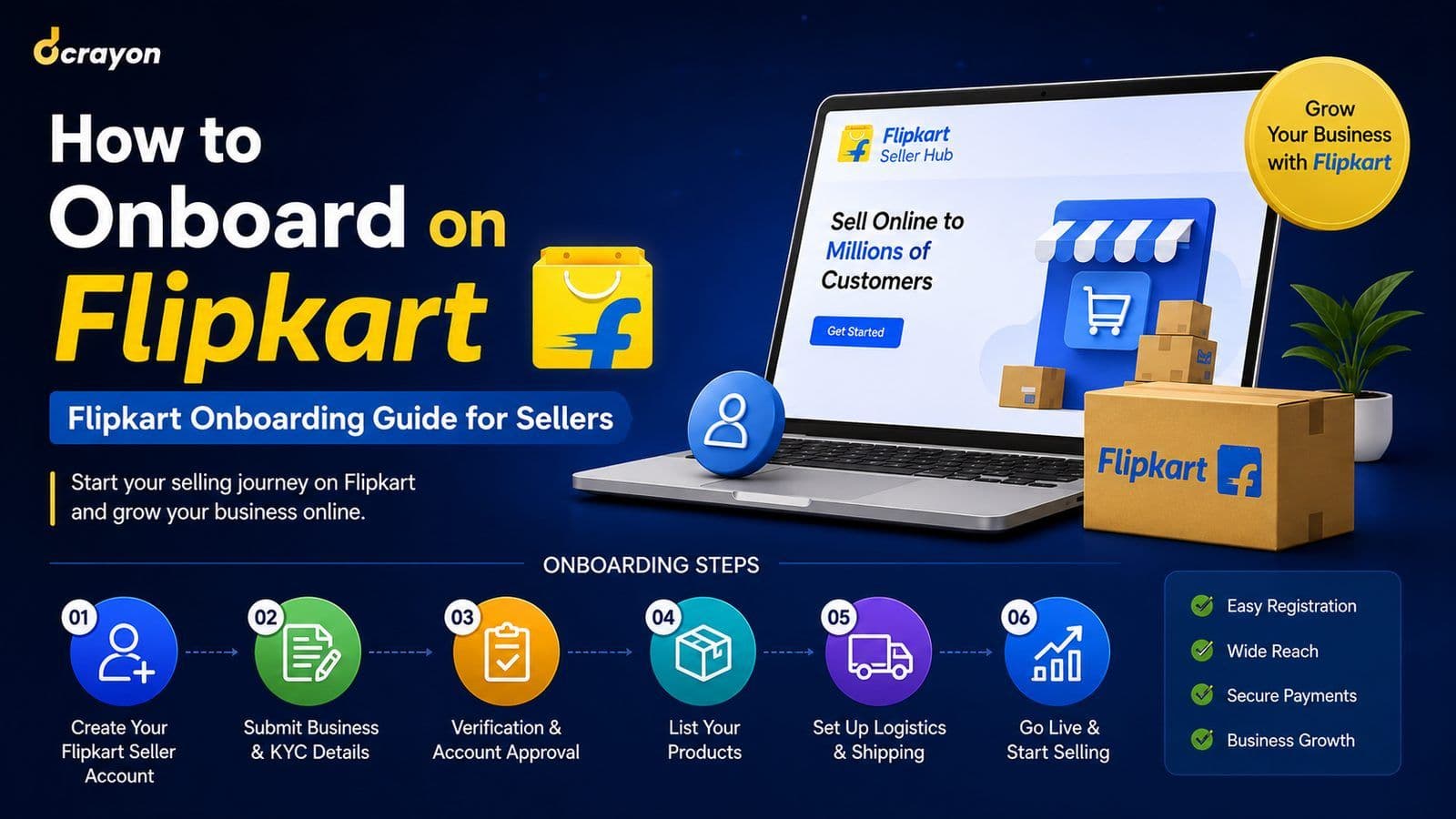
How to Register on Flipkart Step by Step
If you are searching for how to register on Flipkart, the process starts through Flipkart Seller Hub.
Step 1: Create Your Flipkart Seller Account
Visit Flipkart Seller Hub and begin the seller registration process.
Enter the requested contact and business information and complete the required verification steps. Flipkart states that creating a seller account can take less than ten minutes when the necessary documentation is ready.
Always make sure the information entered matches your official business documents.
Step 2: Add Your GST and Business Details
The next important step is providing the required tax and legal business information.
During registration, sellers may be asked for their GSTIN and associated legal business details. Flipkart's seller registration guide specifically identifies GST information as part of its onboarding process.
Incorrect or mismatched information may create unnecessary complications, so verify everything carefully before submitting it.
Step 3: Provide Your Pickup Address
Your pickup location tells Flipkart where orders will be collected or processed for shipping.
Use an operational address where your inventory is actually available and where shipments can be handled reliably. Accurate pickup information is important for smooth order fulfilment.
Step 4: Add Bank Account Details
To receive payments from your marketplace sales, provide the bank account requested during seller onboarding.
Flipkart's seller terms state that payments are made into the bank account provided by the seller during registration.
Check the account holder name, account details, and supporting documentation carefully before completing this stage.
How to List Products on Flipkart
Once your account setup is completed, the next stage of learning How to Sell on Flipkart is product listing.
Flipkart states that sellers can begin by listing a minimum of one product.
When creating a listing, focus on accurate and customer-friendly product information. Depending on the category, this can include:
- Product title
- Product description
- Key features
- Product images
- Brand information
- Size, colour or other variations
- Selling price
- Available inventory
- Product specifications
- Relevant tax and category information
Avoid misleading titles or inaccurate specifications. A clear listing makes it easier for shoppers to understand exactly what they are buying.
Set Competitive Pricing
Pricing is another important part of selling successfully on Flipkart.
Before deciding your final selling price, consider product cost, taxes, packaging, marketplace-related charges, logistics expenses where applicable, competition, and the profit margin you want to maintain.
Flipkart notes that its applicable fee and commission rates can vary and recommends checking the current rate card within the seller account for accurate charges.
Therefore, calculate your margins before aggressively discounting products.
Start Receiving and Managing Orders
Once your products are active and available for purchase, customers can place orders through Flipkart.
Sellers should monitor new orders, maintain sufficient inventory, prepare products correctly for dispatch, and follow the applicable shipping and fulfilment process.
Inventory accuracy is particularly important. Frequently cancelling orders because products are unavailable can create a poor customer experience.
Optimise Your Flipkart Listings for Better Sales
Knowing how to register on Flipkart gets your business onto the marketplace, but optimisation helps you compete after onboarding.
Use clear product titles containing relevant search terms, upload high-quality product images, write useful descriptions, highlight genuine product benefits, and provide complete specifications.
You can also monitor which products receive visibility and sales and improve weaker listings based on performance.
Flipkart also provides advertising options, including Cost Per Click and Smart ROI campaign formats, for sellers looking to increase product visibility.
Final Thoughts
The Flipkart onboarding process becomes much easier when your business documents, bank details, product data, inventory, and images are prepared beforehand.
If your main questions are how to register on Flipkart and How to Sell on Flipkart, remember that registration is only the first step. Long-term marketplace growth depends on accurate listings, competitive pricing, reliable inventory, smooth order fulfilment, strong product presentation, and continuous optimisation.
Start with a properly configured seller account, create high-quality product listings, understand your costs, and gradually improve your marketplace strategy based on actual sales performance. With the right foundation, Flipkart can become an additional sales channel for growing your e-commerce business.
Related Articles
More insights from the Dcrayon desk.
Amazon Account Management Services for Better Sales, Visibility, and Growth
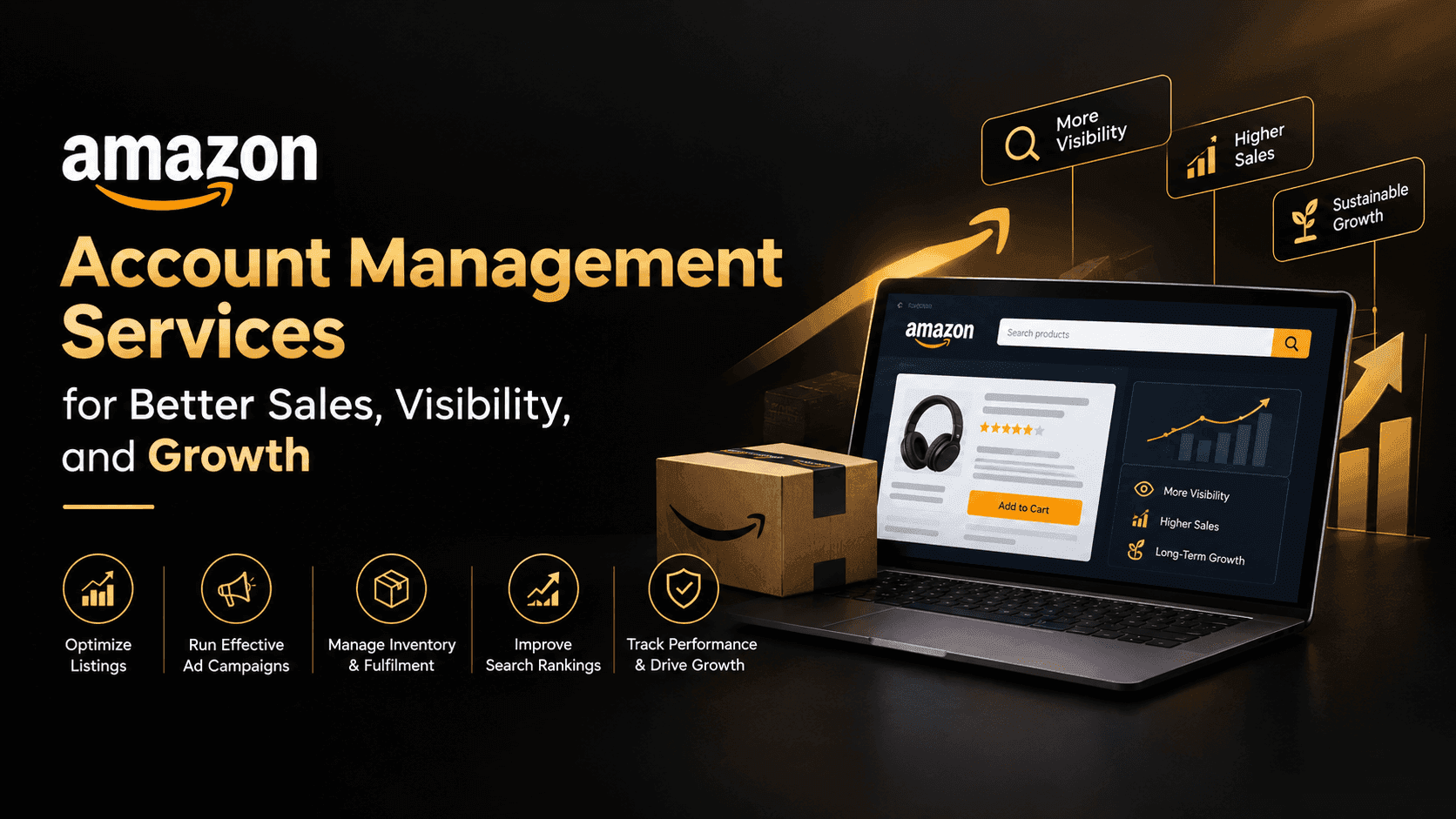
Amazon is an extremely competitive site, and there could be thousands of sellers selling items that are the same. Listings, inventory, pricing, and account performance can have minor issues which can impact the overall shopping experience and sales opportunities.

How an Amazon Marketing Agency Can Grow Your Sales
How an Amazon marketing agency helps brands grow sales with advertising, listing optimisation and account management, and what to look for in one.
How to List Your Fashion Brand on Myntra (Marketplace vs EBO)
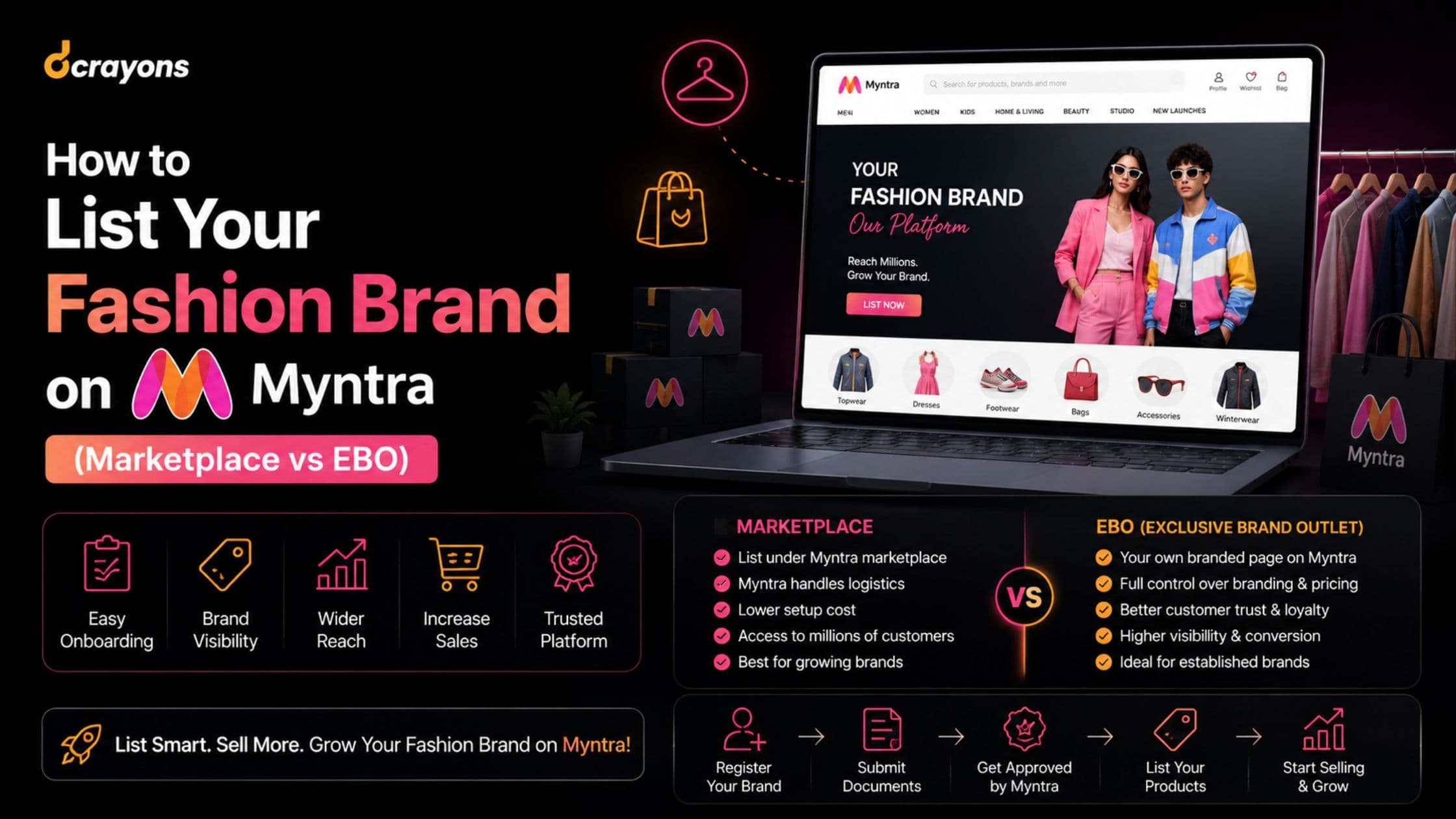
How to list your fashion brand on Myntra: choosing between the marketplace and EBO models, preparing your catalogue and meeting Myntra's requirements.
Want to grow your digital presence?
Let's discuss how we can help your business.